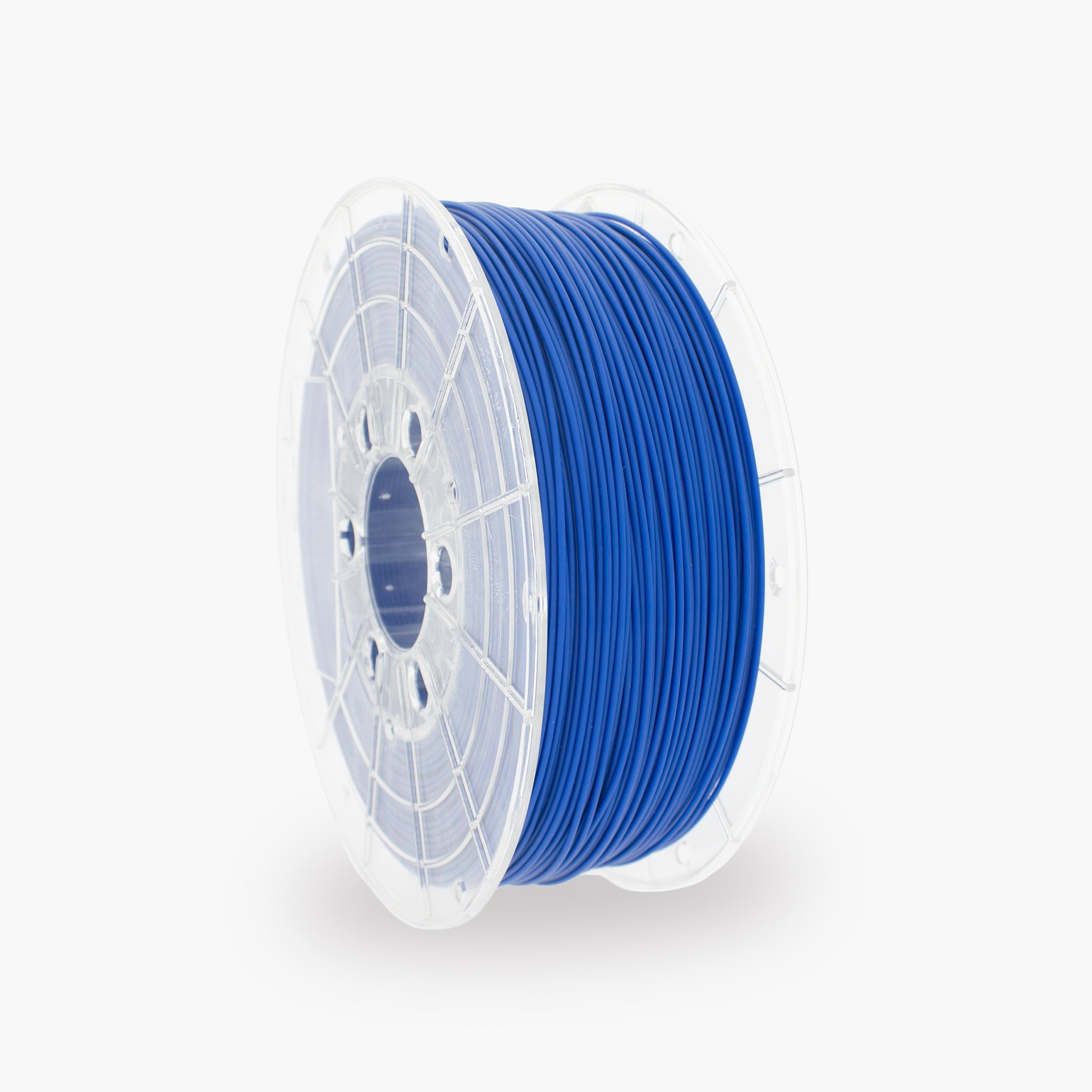
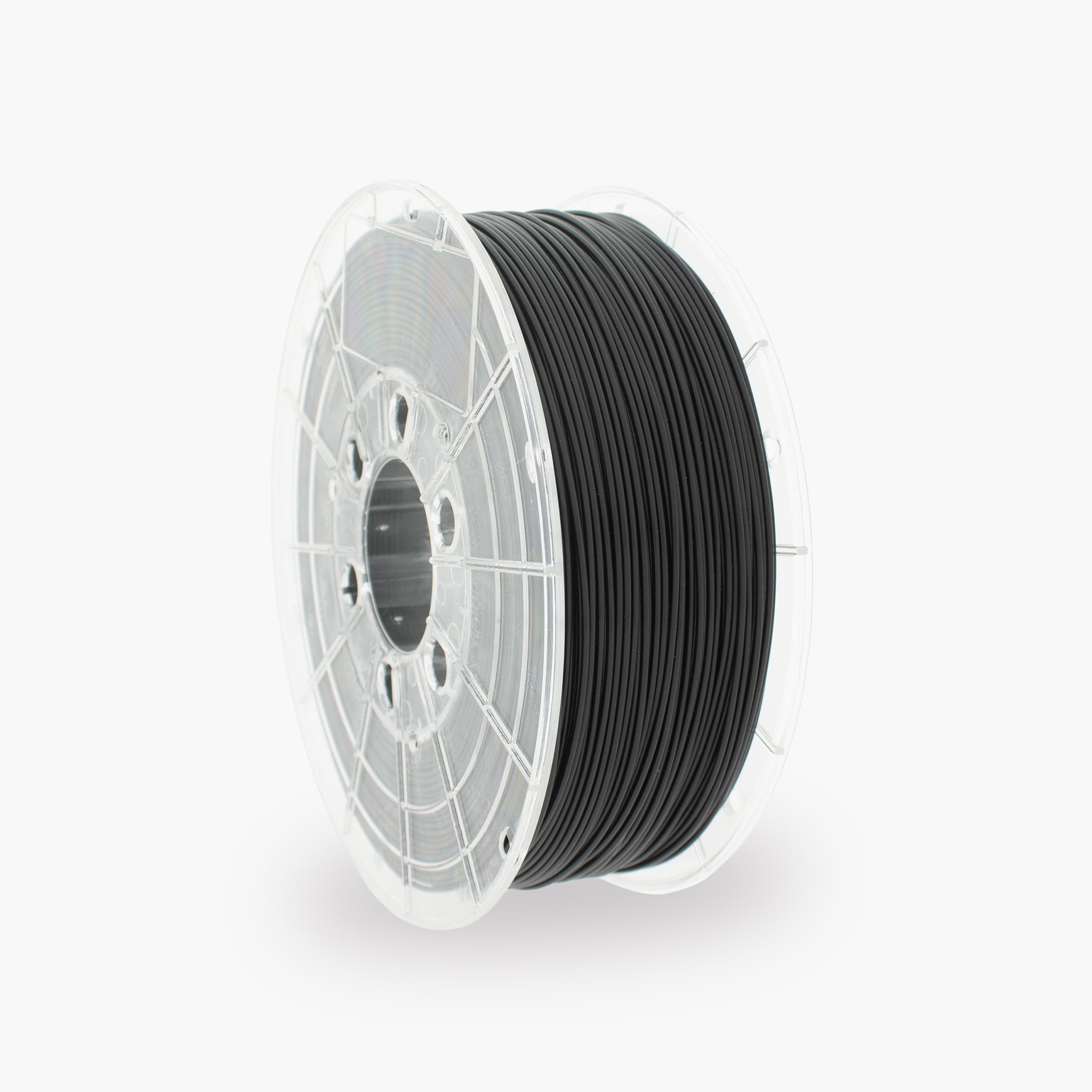
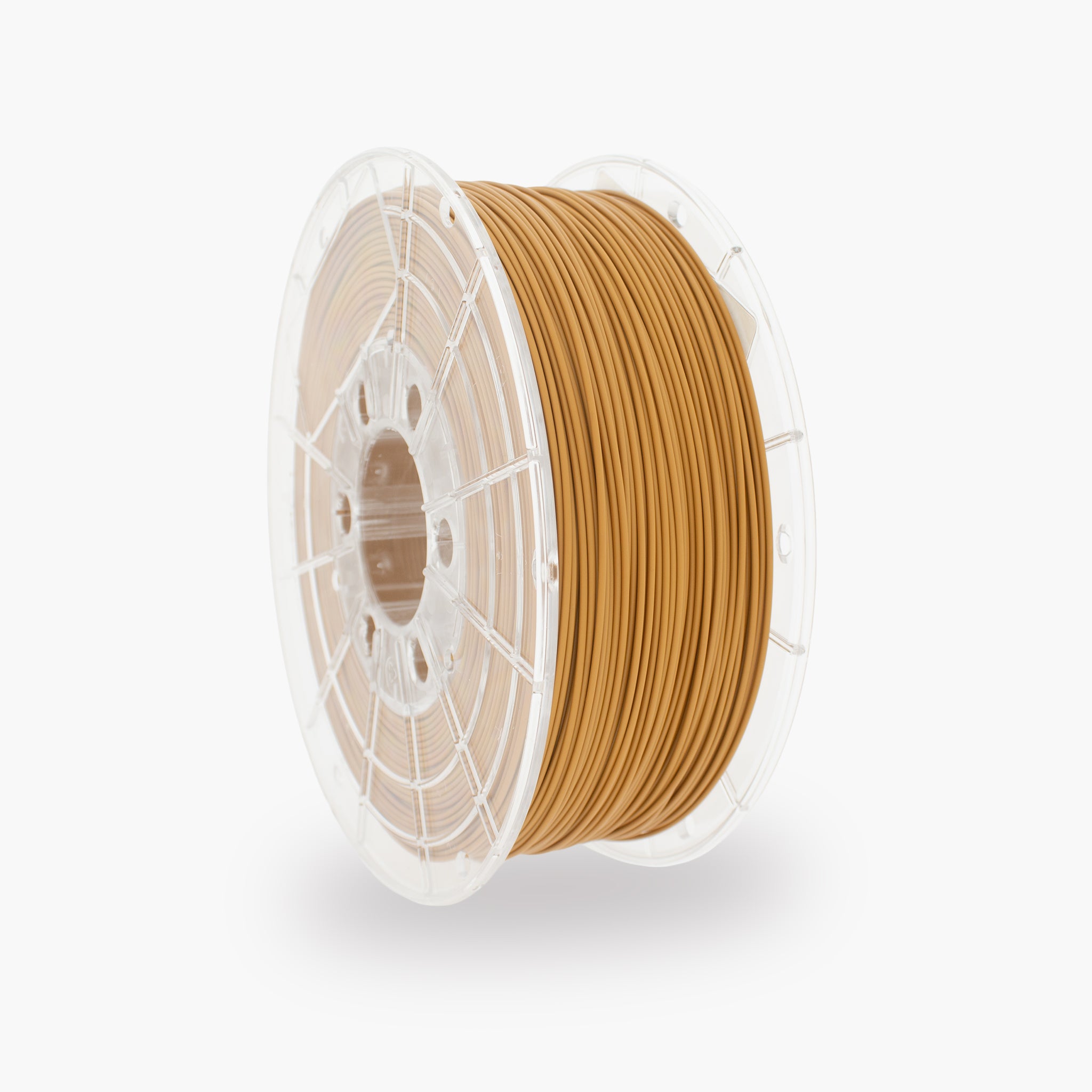
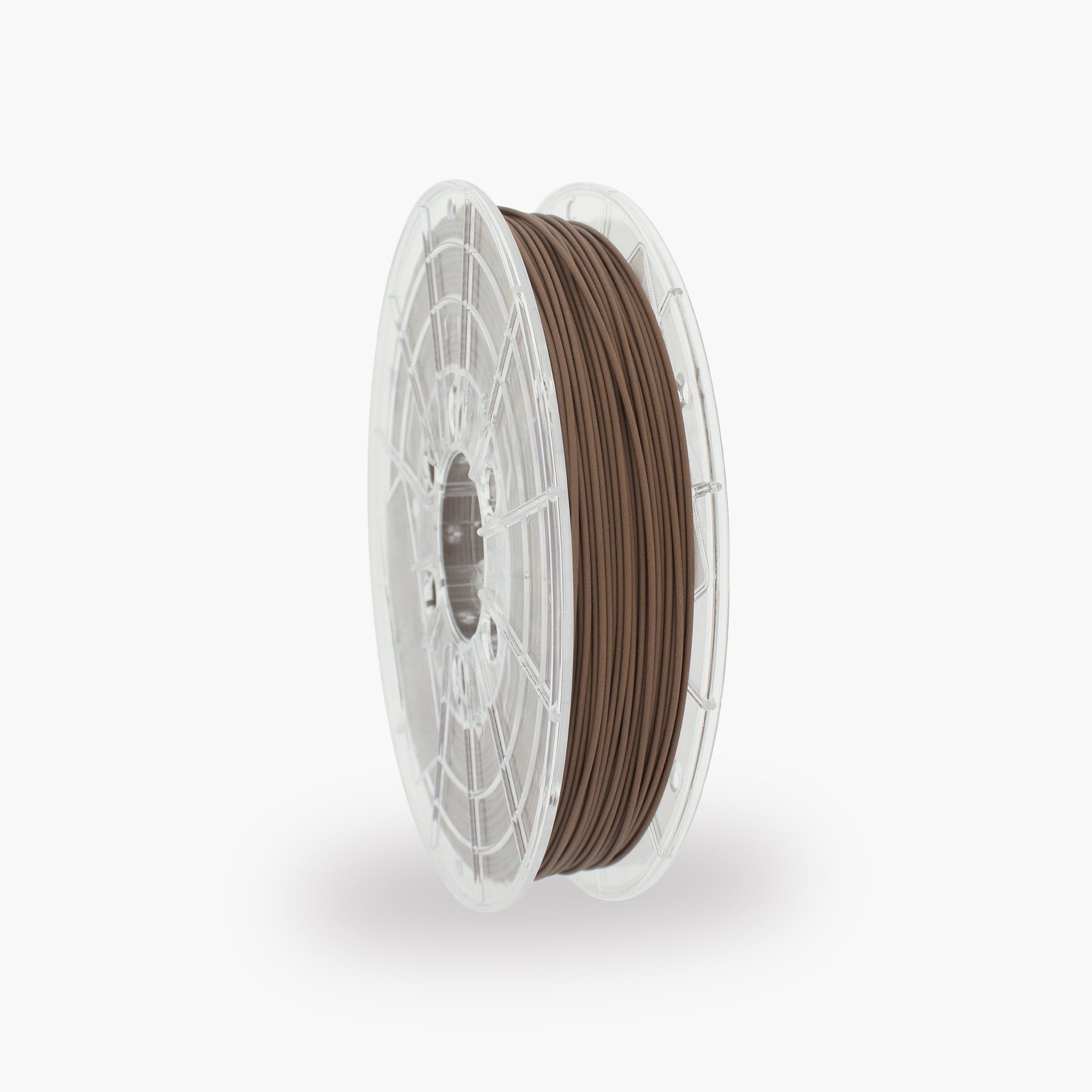
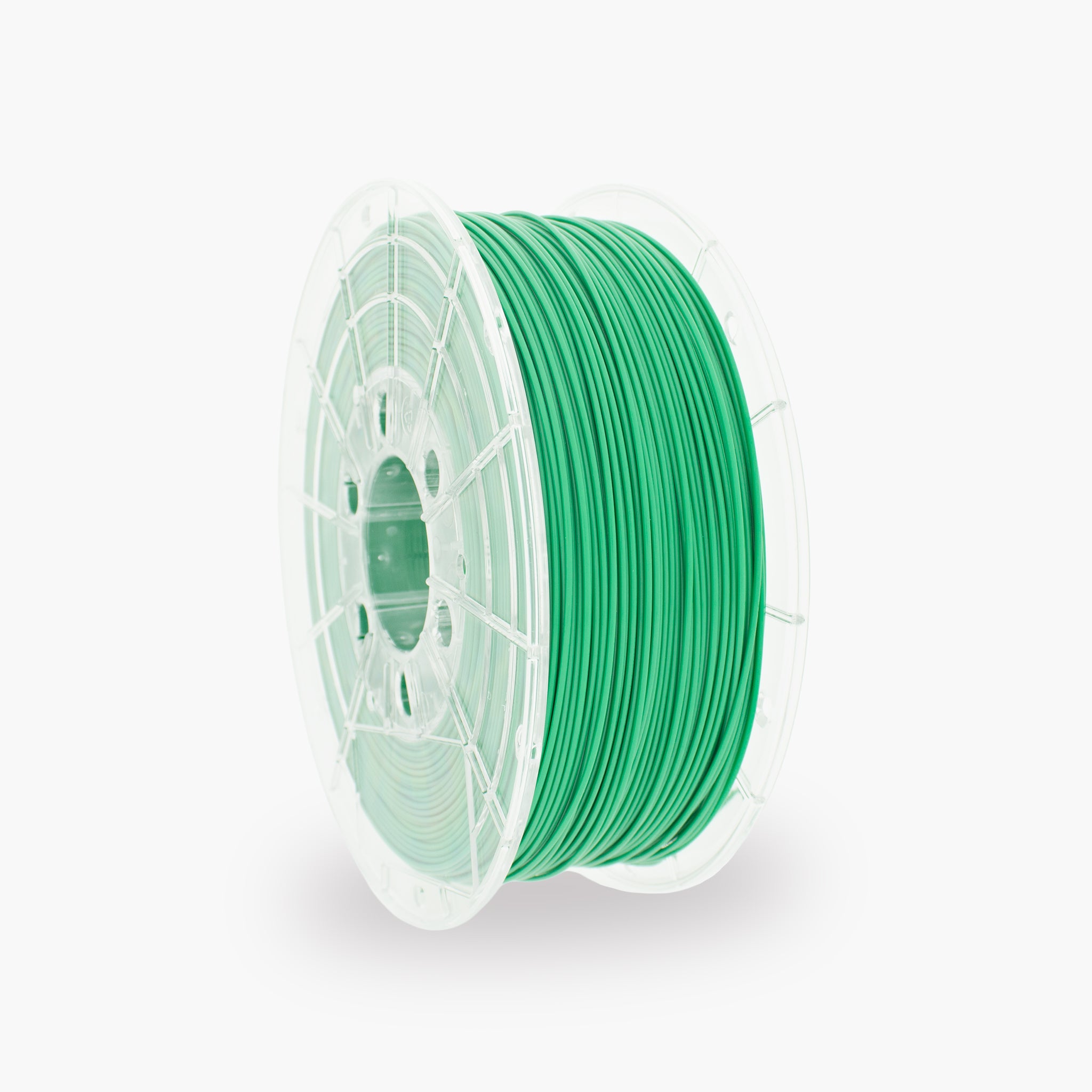
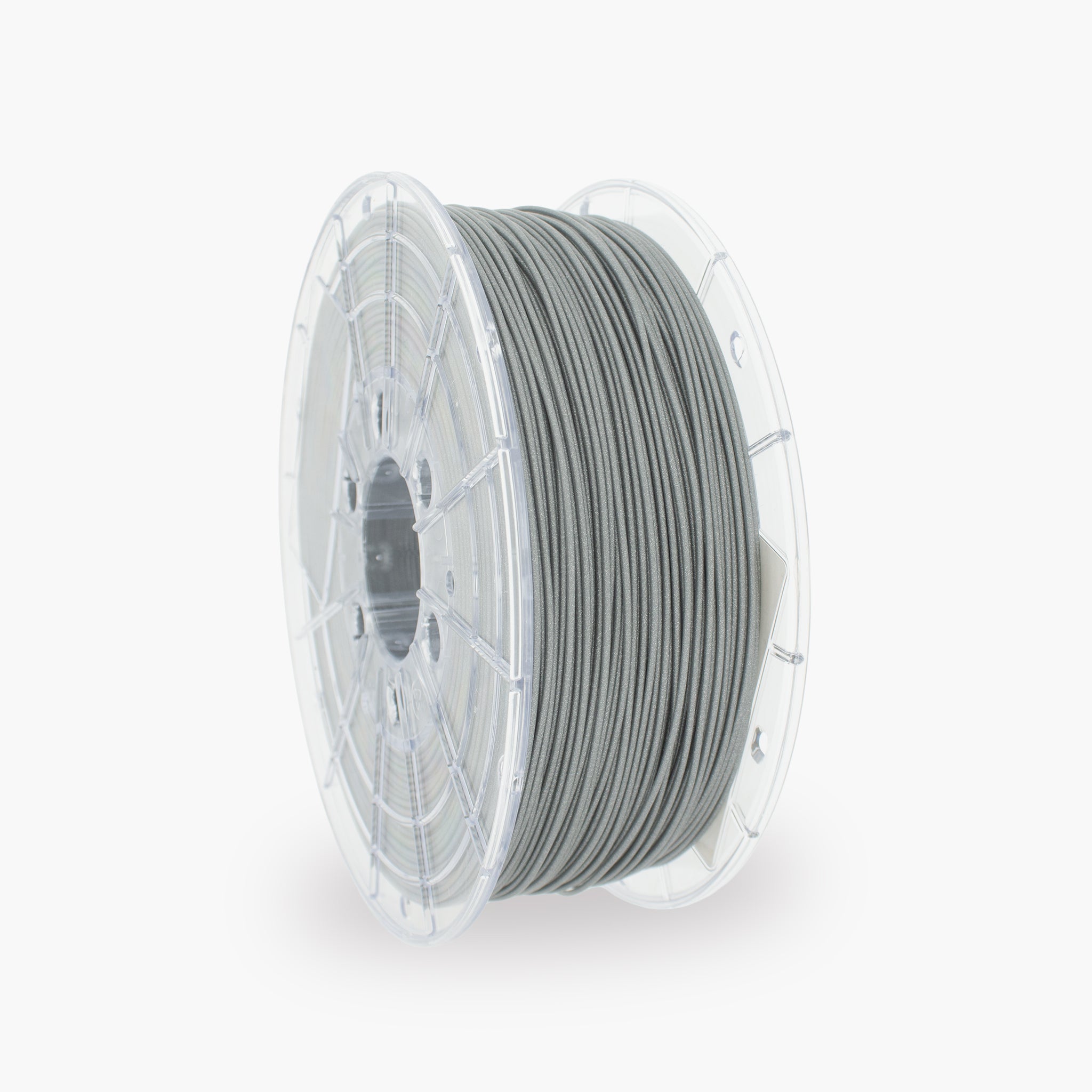
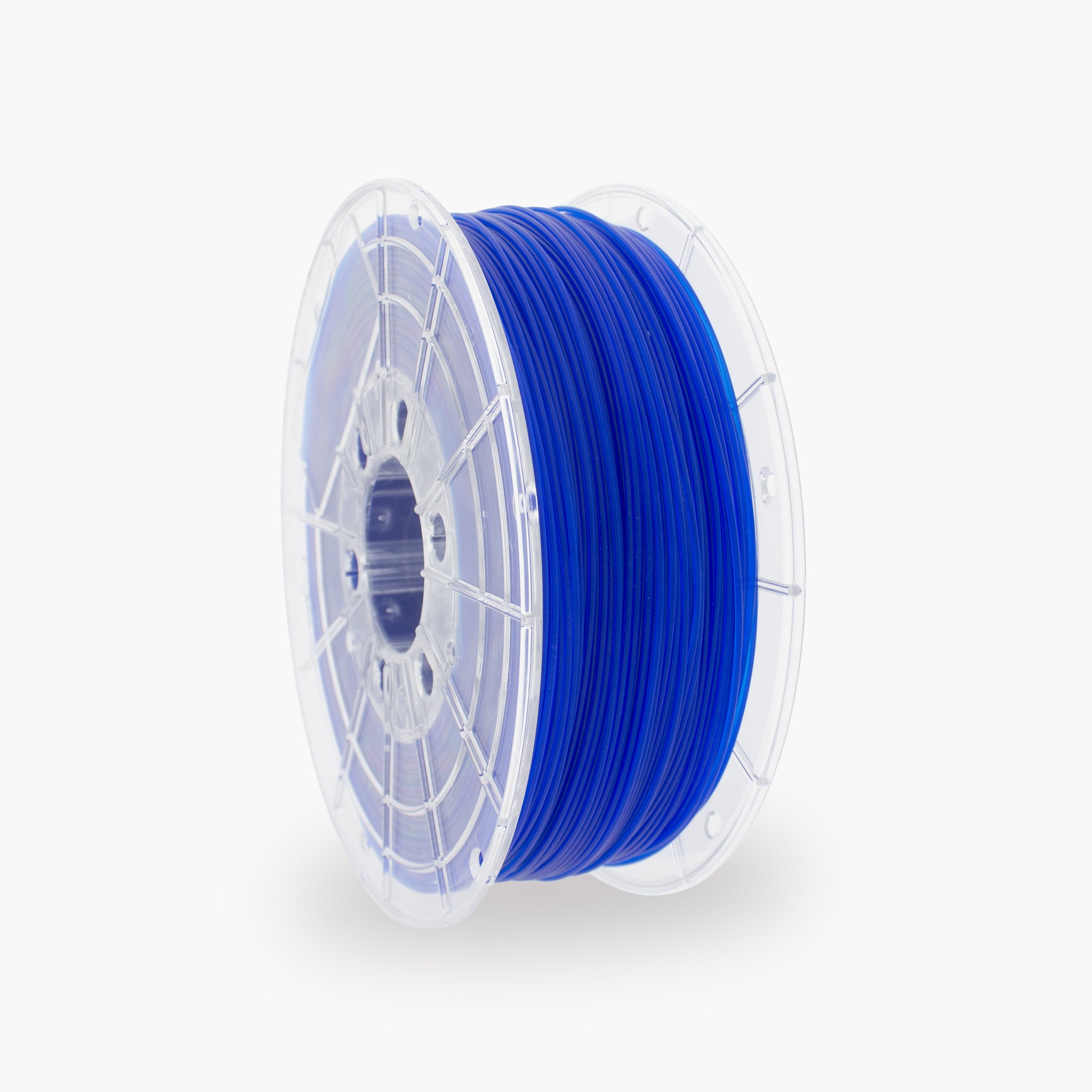
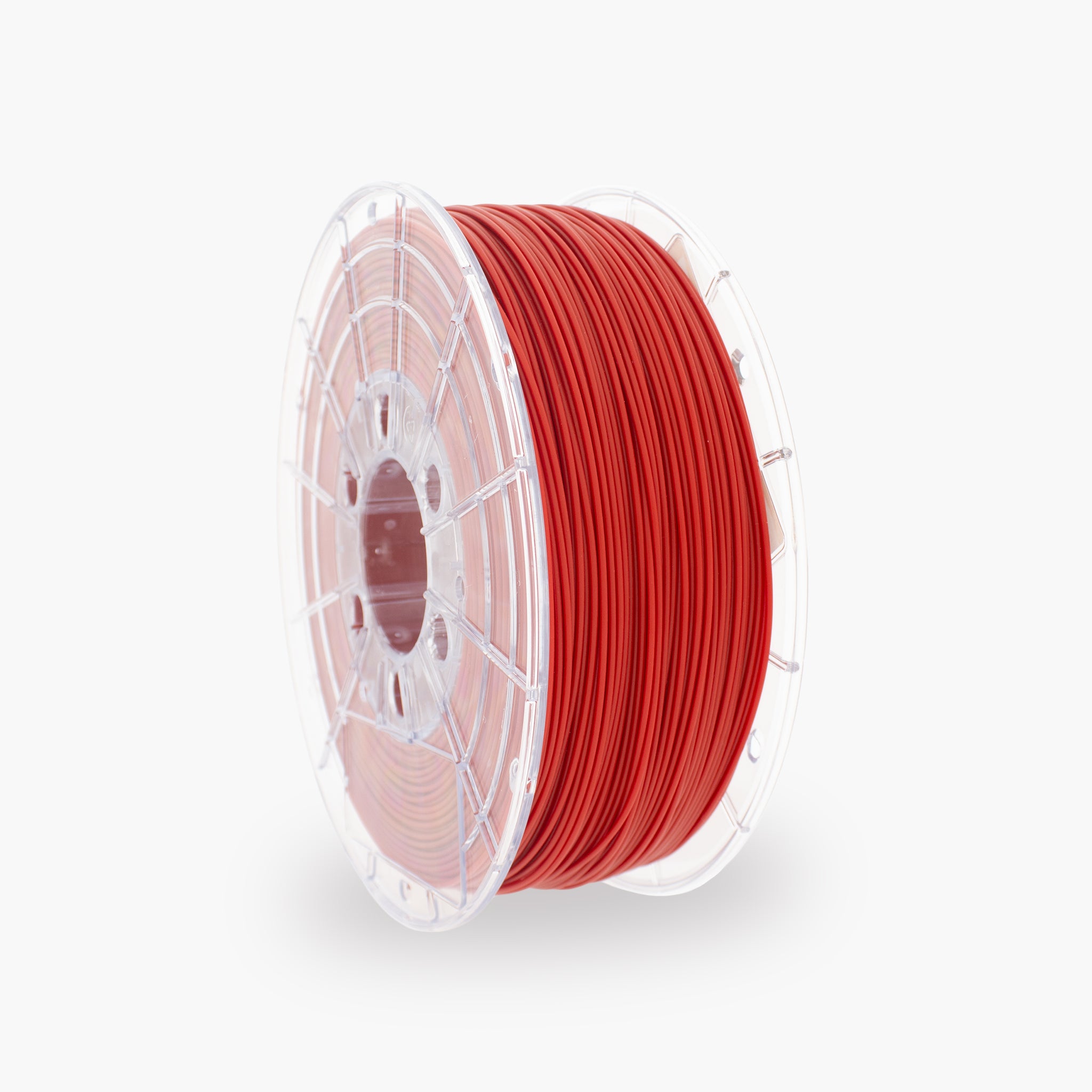


How to print with TM3D PLA
PLA (Polylactic Acid) is the most commonly used 3D printing material. It is easy to print, has little warping, and produces sharp details and a nice surface finish. PLA is ideal for decorative parts, prototypes, and general applications.
This guide is intended for people just starting with 3D printing. If you follow the steps below, you can usually make successful prints right away without adjusting many settings.
1. Before you start
Check your printer
Make sure that:
The nozzle is clean
The print bed is clean
The filament is properly loaded
The printer is calibrated
For a PEI sheet:
- Clean the bed regularly with warm water and dish soap.
- Avoid touching the print surface with your fingers.
Fingerprints are one of the most common causes of poor adhesion.
2. Checking filament
PLA absorbs less moisture than PETG but can still become damp.
Signs of moist filament:
- Creaking sounds during printing
- Lots of stringing
- Rough surfaces
- Poor layer adhesion
Drying filament
PLA:
- 45–50°C
- 4–6 hours
Preferably store filament in a sealed box with desiccant.
3. First print settings
Use these settings as a starting point:
|
Setting |
Value |
|
Nozzle |
220°C |
|
Bed |
55°C |
|
Layer height |
0.20 mm |
|
Fan |
100% |
|
Infill |
15% |
|
Walls |
2 |
|
Print speed |
Standard profile |
|
Brim |
Auto |
These settings work for most PLA models.
4. Choosing the right model
Simple models are best for your first print.
Good first prints
- Calibration Cube
- Benchy
- Keychain
- Nameplate
- Small storage box
Avoid at first
Very large models
Models with lots of support
Mechanical parts
Models with extremely thin details
5. Checking the first layer
The first layer often determines the success of the entire print.
A good first layer:
Lines slightly touching each other
No gaps
Stays firmly on the bed
Recognizing problems
Too high
- Lines detaching
- Corners curling up
Too low
- Nozzle scraping over the bed
- Rough first layer
6. During printing
Check the first 2–3 layers.
If these are good:
- You can usually let the printer continue printing on its own.
Note:
- Corners lifting
- Spaghetti (print detaches)
- Clogs
- Unusual noises
7. After printing
Let the print bed cool down.
PLA often detaches on its own once:
- Bed temperature drops below about 30°C.
Do not force while the model is still warm.
8. Common problems
|
Problem |
Possible solution |
|
Model detaches |
Clean bed, use brim |
|
Stringing |
Lower temperature to 210–215°C |
|
Poor layer adhesion |
Increase temperature to 225°C |
|
Rough top surface |
Use more top layers |
|
Warping |
Raise bed to 60°C |
|
Poor bridges |
Set fan to 100% |
9. When to use supports?
Use supports when parts of the model "hang in the air."
Rule of thumb
- Less than 45° → usually no support needed.
- More than 45° → often support needed.
Tree Supports are usually the best choice for beginners.
Settings:
- Type: Tree
- Auto support: On
- Threshold angle: 30–45°
10. Maintenance
Weekly
- Clean bed
- Check nozzle
- Check filament for moisture
Monthly
- Clean axes
- Inspect rails
- Clean fans from dust
Beginner’s rule
Never change ten settings at once.
Always work in this order:
- Solve bed adhesion
- Adjust temperature
- Drying filament
- Only then adjust speed and advanced settings
This way you know exactly which change solves or causes a problem.
Here is the detailed version
Filament settings
Type: PLA
Filament ramming length: 10 mm
Filament prime volume: 45 mm³
Diameter: 1.75 mm
Flow ratio: 0.98
Density: 1.24 g/cm³
Shrinkage: 100%
Softening temperature: 55–60°C
Recommended nozzle temperature: 190–230°C
Cooling: 80–100%
Print temperatures
|
Build Plate |
Initial Layer |
Other Layers |
|
Cool Plate |
35°C |
35°C |
|
Bambu Cool Plate (SuperTack) |
35°C |
35°C |
|
Engineering Plate |
55°C |
55°C |
|
Smooth PEI Plate |
55°C |
55°C |
|
Textured PEI Plate |
55°C |
55°C |
Nozzle
|
Temperature |
|
|
Initial Layer |
220°C |
|
Other Layers |
220°C |
Volumetric Speed Limitation
Max volumetric speed: 10–15 mm³/s
Print quality (Quality tab)
Layer Height
- Layer height: 0.20 mm
- Initial layer height: 0.20 mm
Line Width
- Default: 0.42 mm
- Initial layer: 0.50 mm
- Outer wall: 0.42 mm
- Inner wall: 0.45 mm
- Top surface: 0.42 mm
- Sparse infill: 0.45 mm
- Internal solid infill: 0.42 mm
- Support: 0.42 mm
Seam Settings
- Seam position: Aligned
- Smart scarf seam: on
- Scarf angle threshold: 155°
- Scarf steps: 10
- Scarf joint for inner walls: on
- Role-based wipe speed: on
Precision
- Slice gap closing radius: 0.049 mm
- Resolution: 0.012 mm
- Arc fitting: on
- XY compensation: 0 mm
Other
- Elephant foot compensation: 0.15 mm
- Ironing: Top surfaces
- Wall generator: Classic
Advanced
- Order of walls: Inner/Outer
- Bridge flow: 0.95
- Only one wall on top surfaces:
- Smooth speed discontinuity:
- Smooth coefficient: 150
- Avoid Crossing Wall:
Strength settings (Strength-tab)
Walls
- Wall loops: 2
Top/Bottom Shells
- Top layers: 5
- Bottom layers: 3
- Top shell thickness: 1 mm
- Bottom shell thickness: 0.6 mm
Infill
- Sparse infill density: 15%
- Pattern: Grid
- Overlap with wall: 15%
- Infill direction: 45°
Advanced
- Detect narrow internal solid infill:
- Ensure vertical shell thickness: Enabled
- Detect floating vertical shells: on
Speed (Speed-tab)
Initial Layer
- Speed: 50 mm/s
- Initial infill: 105 mm/s
Other Layers
- Outer wall: 200 mm/s
- Inner wall: 300 mm/s
- Small perimeters: 50%
- Sparse infill: 350 mm/s
- Internal solid infill: 250 mm/s
- Top surface: 150 mm/s
- Vertical shell speed: 80%
- Slow down for overhangs:
Overhangs
- 10% angle: 0 mm/s
- 25% angle: 80 mm/s
- 50% angle: 50 mm/s
- 75% angle: 20 mm/s
- 100% angle: 10 mm/s
Bridges
- Bridge speed: 40 mm/s
Travel
- Travel speed: 500 mm/s
Acceleration
- Normal: 10000 mm/s²
- Travel: 10000 mm/s²
- Initial layer: 500 mm/s²
- Initial layer travel: 6000 mm/s²
- Outer wall: 5000 mm/s²
- Inner wall: 10000 mm/s²
- Top surface: 2000 mm/s²
Cooling
PLA needs a lot of cooling.
- Min fan speed: 80%
- Max fan speed: 100%
- Overhang fan: 100%
- Bridge fan: 100%
Retraction
Direct Drive (Bambu)
- Retraction length: 0.8 mm
- Retraction speed: 30 mm/s
Symptoms
|
Problem |
Solution |
|
Stringing |
More cooling, lower nozzle temperature |
|
Poor layer adhesion |
Increase nozzle temperature |
|
Clogged nozzle |
Increase temperature or check filament |
|
Warping |
Increase bed to 60°C |
|
Poor bridges |
Fan 100%, reduce bridge speed |
Others-tab
Bed Adhesion
- Skirt loops: 0
- Brim type: Auto
- Brim width: 5 mm
- Brim-object gap: 0.1 mm
Prime Tower
- Enabled: (for AMS)
- Width: 35 mm
- Speed: 90 mm/s
Special Mode
- Slicing mode: Regular
- Print sequence: By layer
- Timelapse: Traditional
- Fuzzy skin: None
Datasheet: