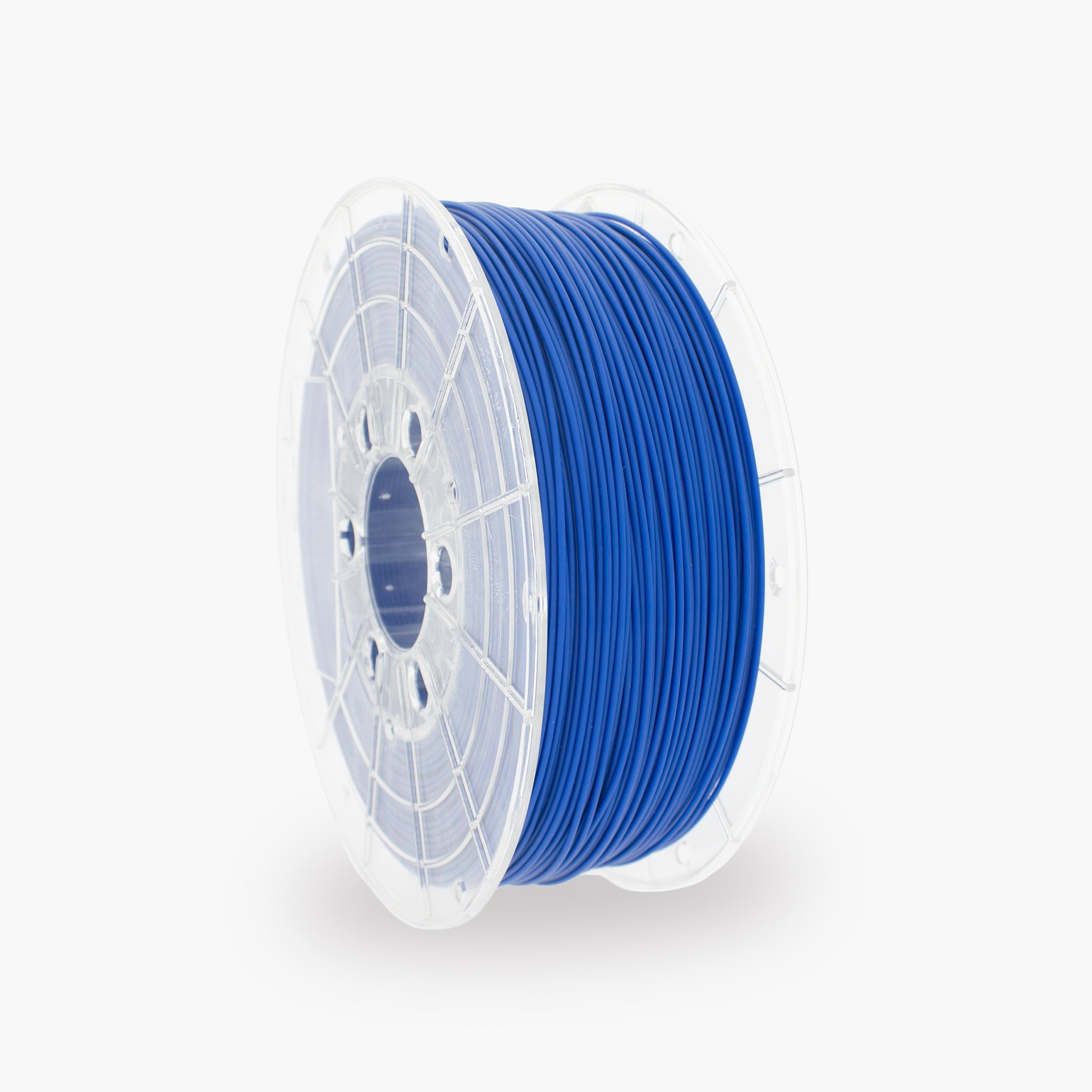

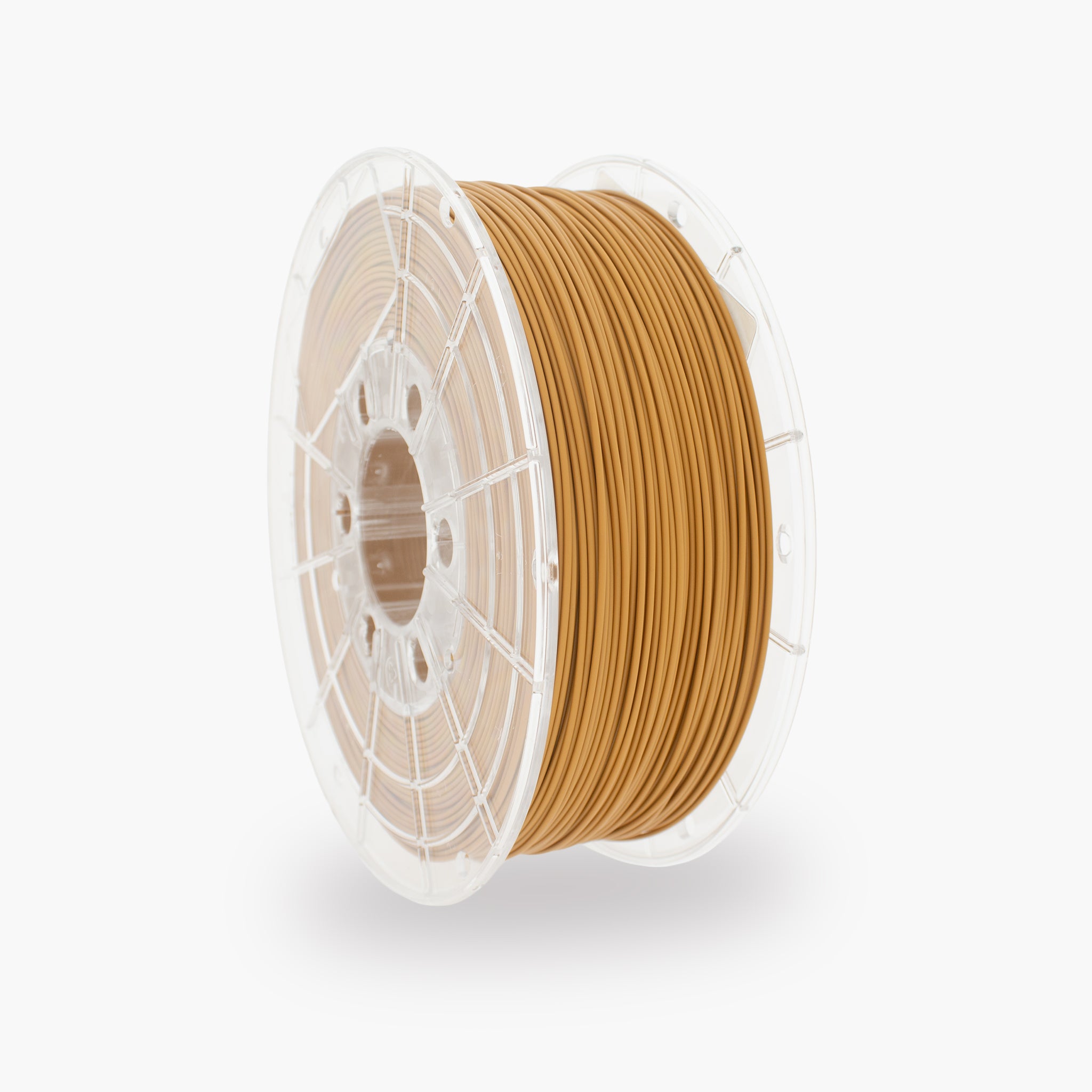
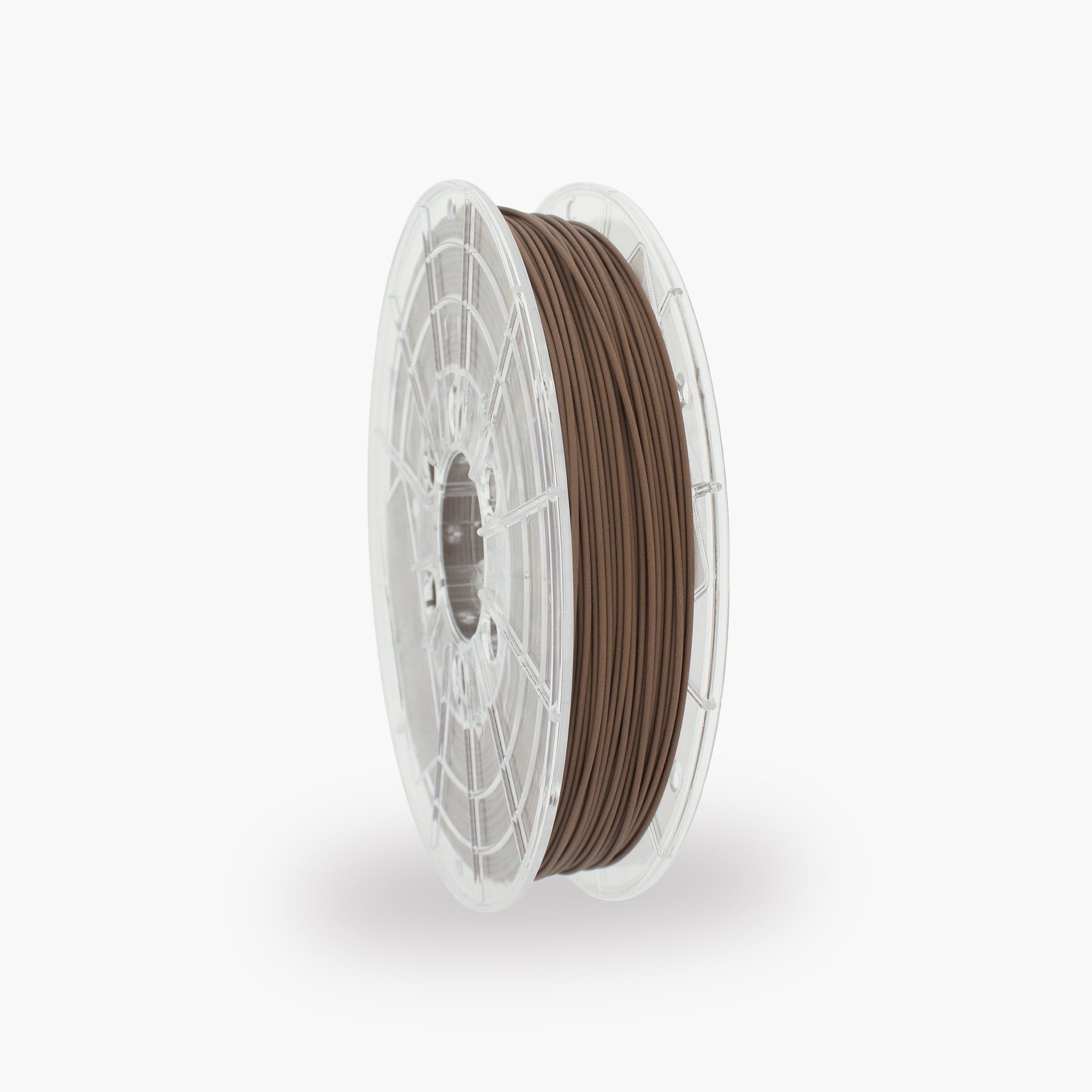
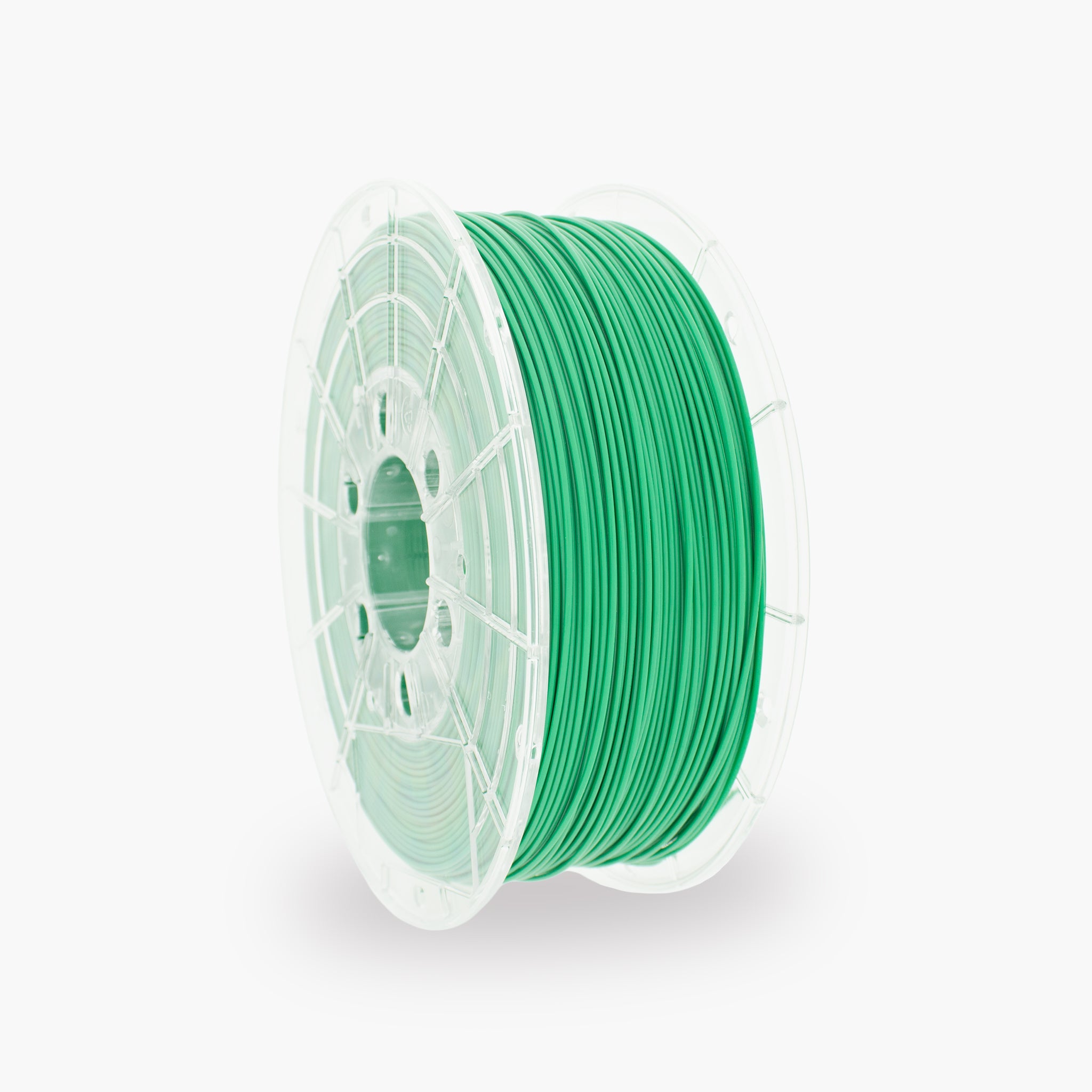

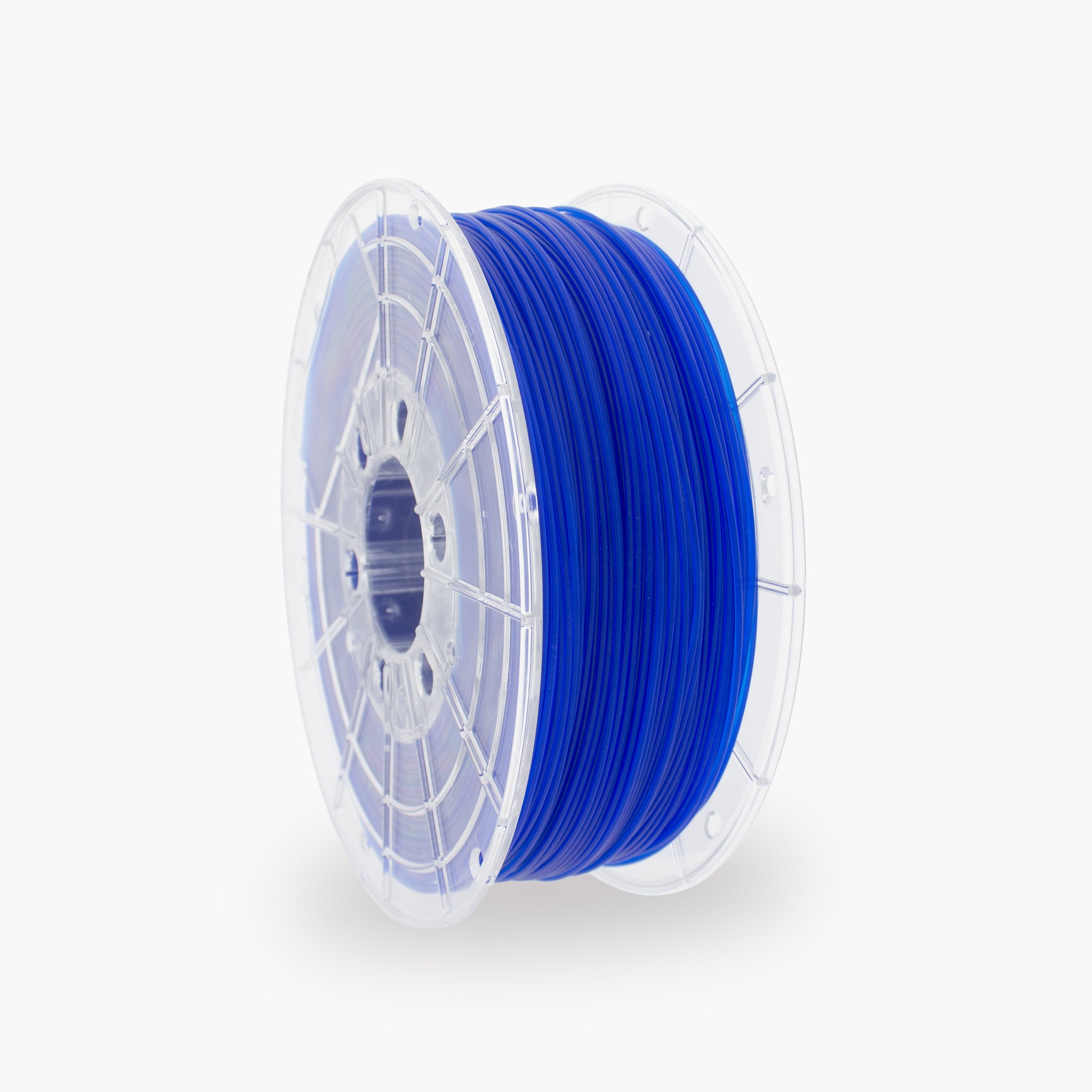
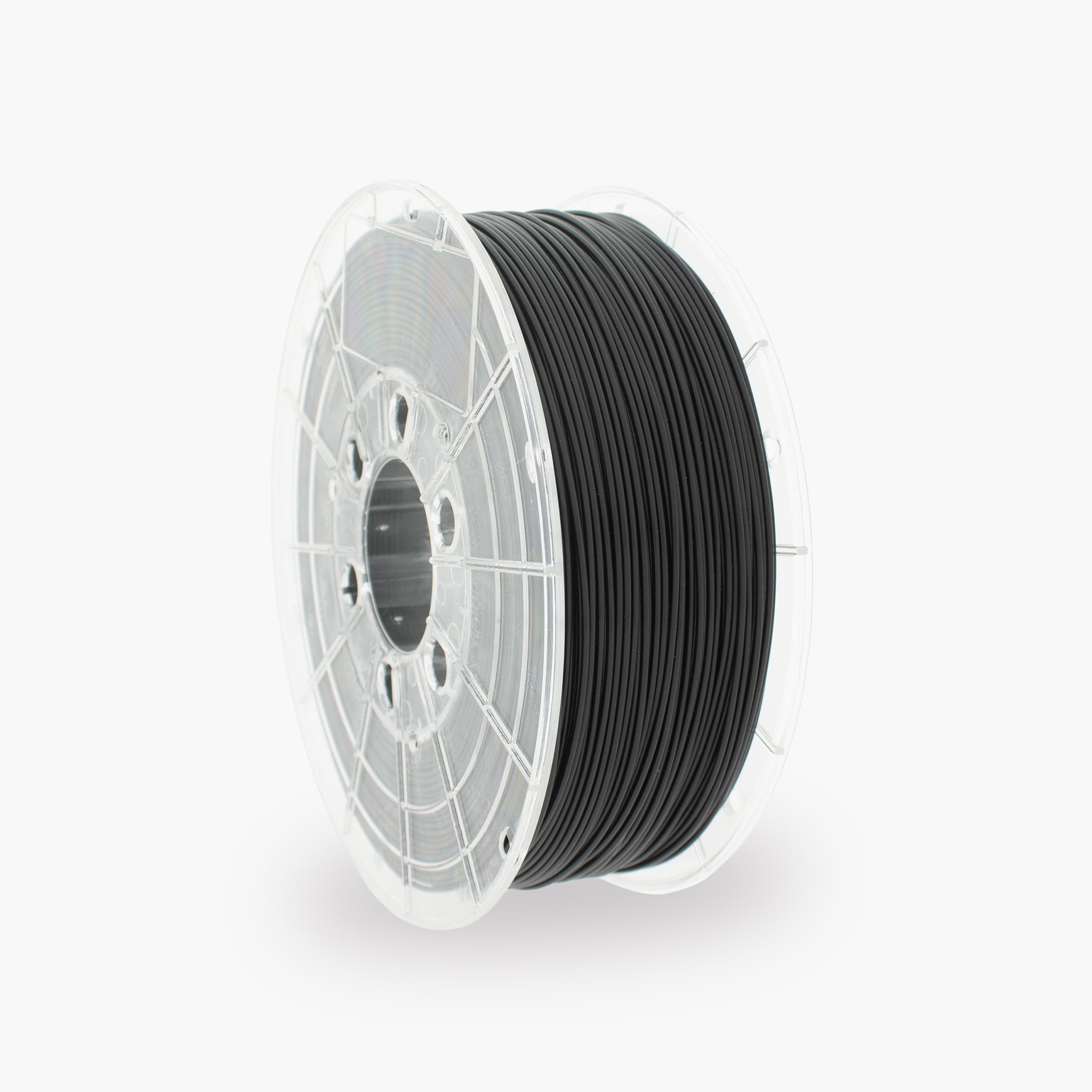
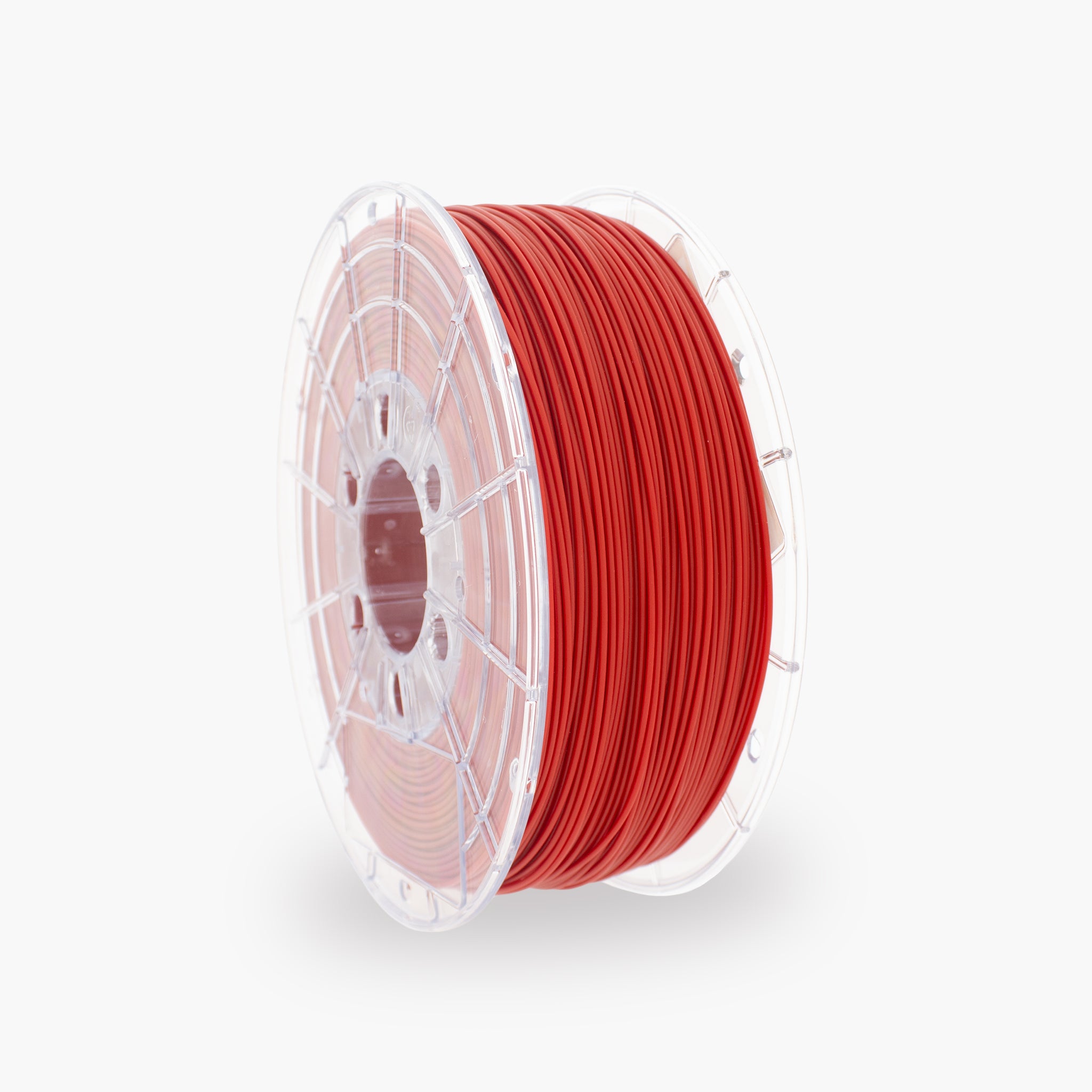
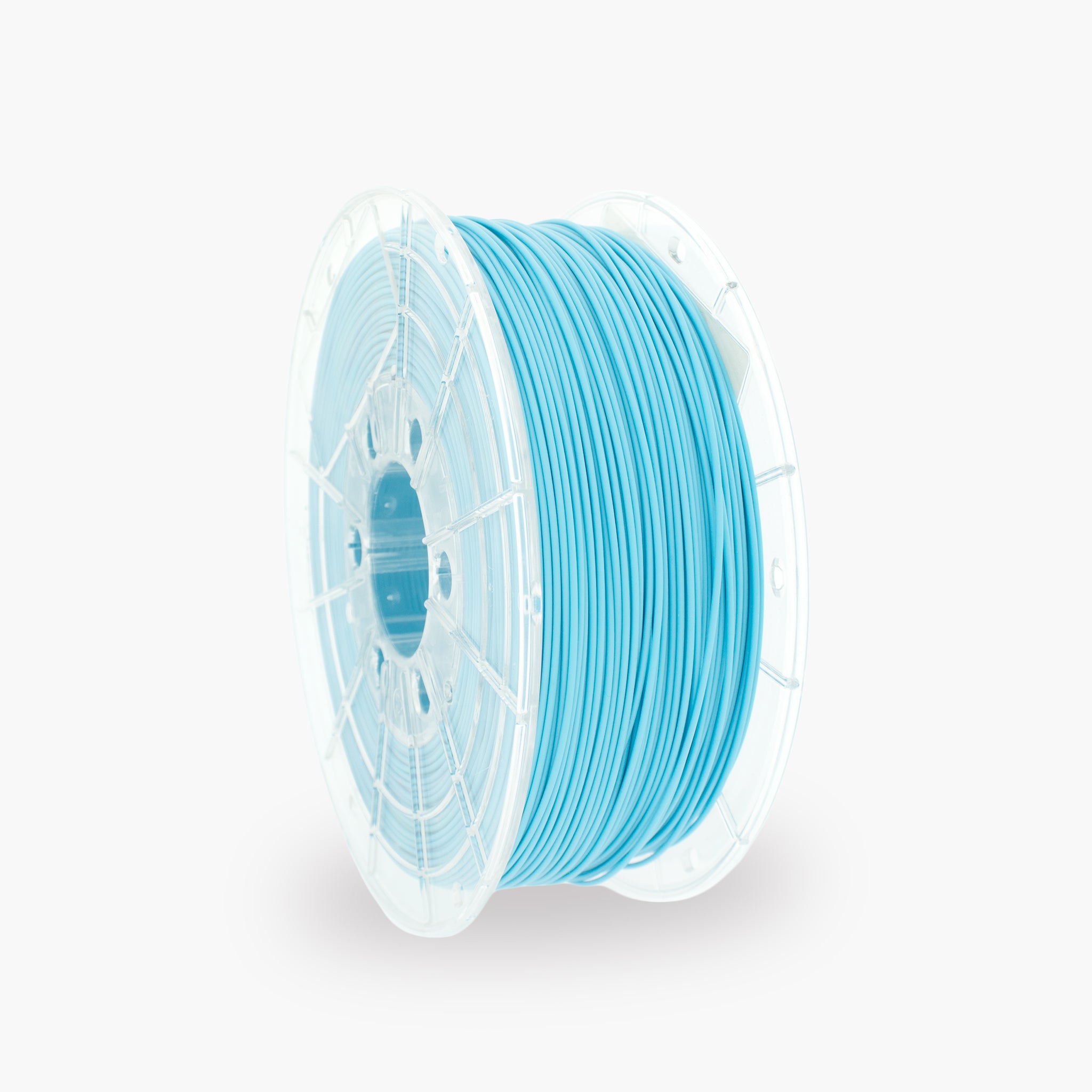
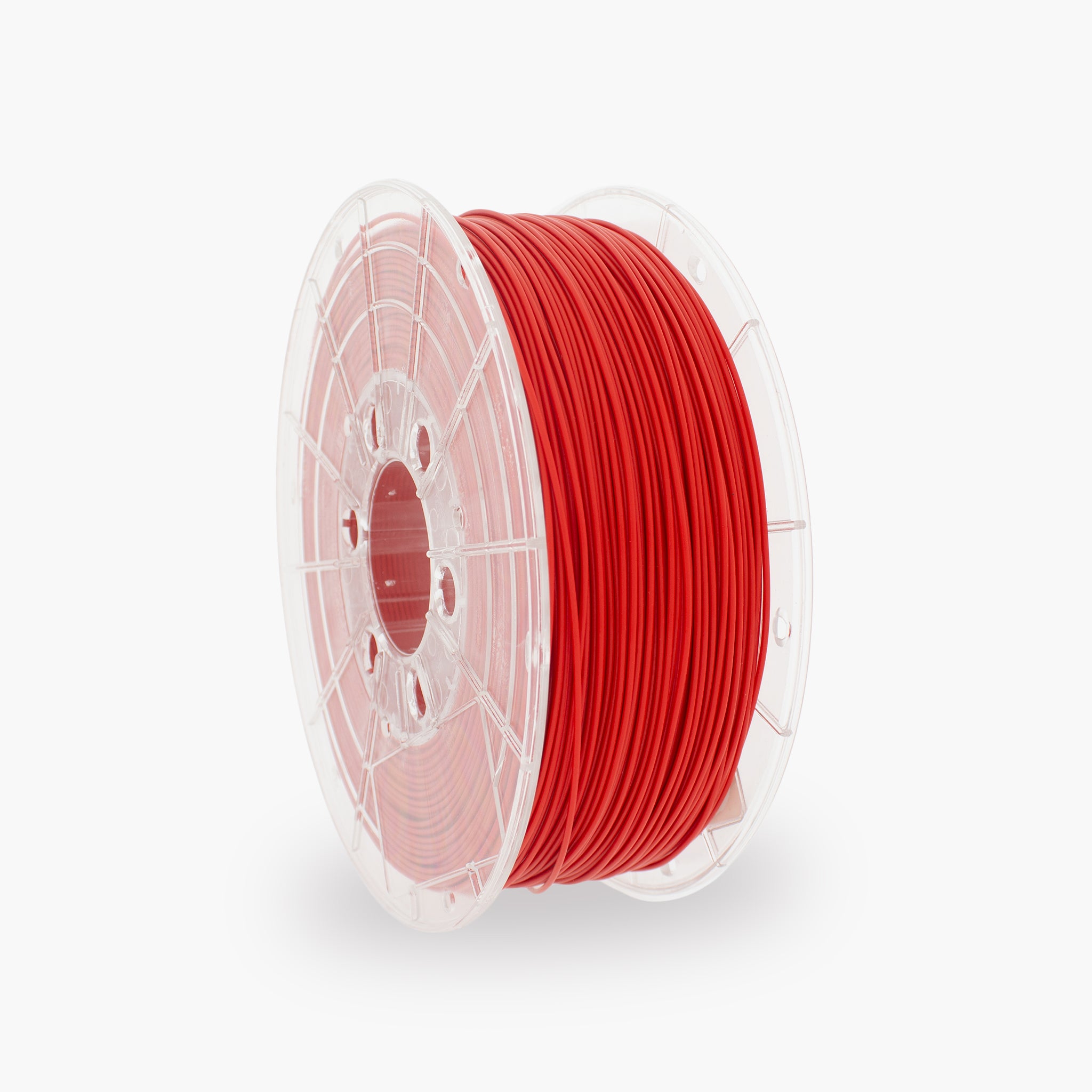
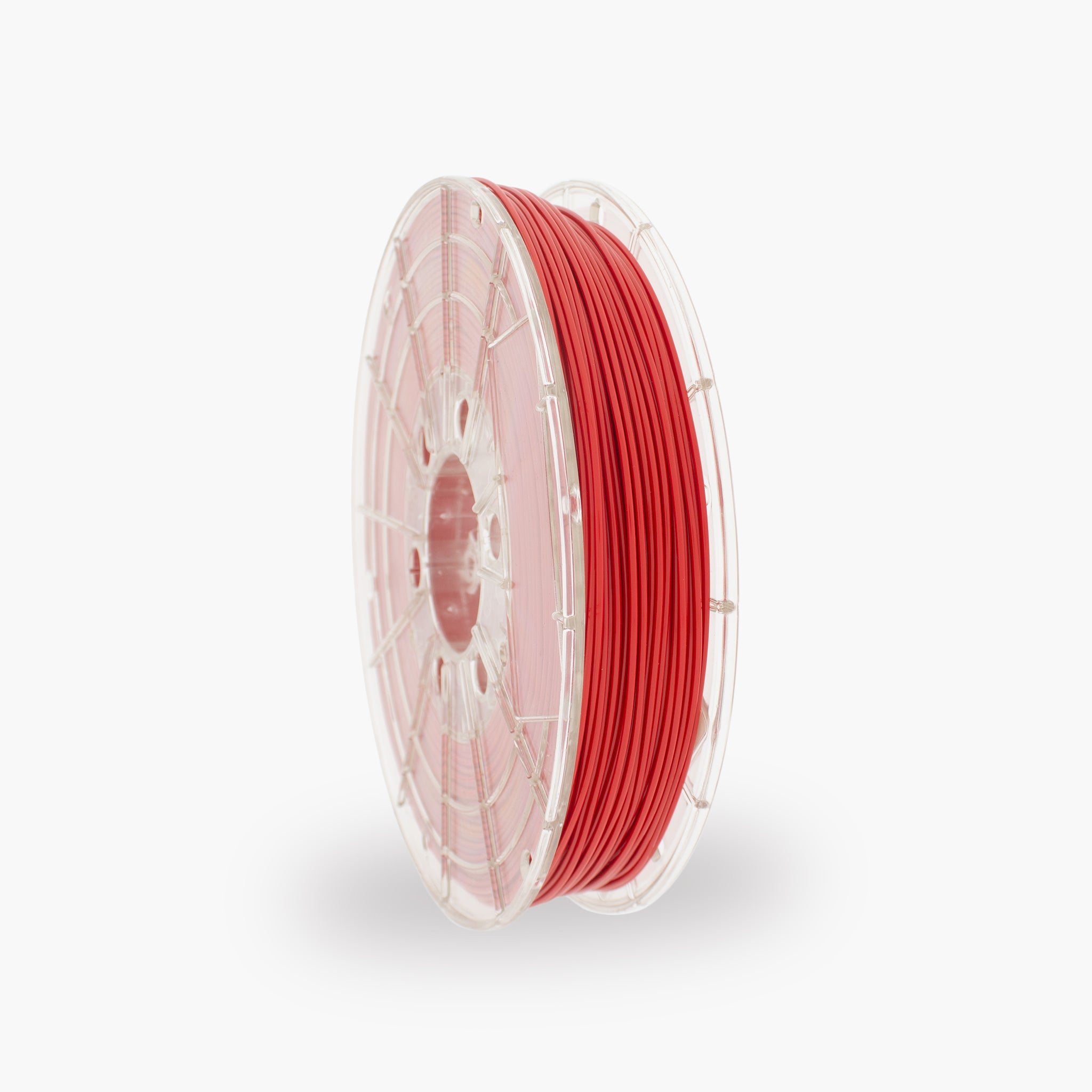
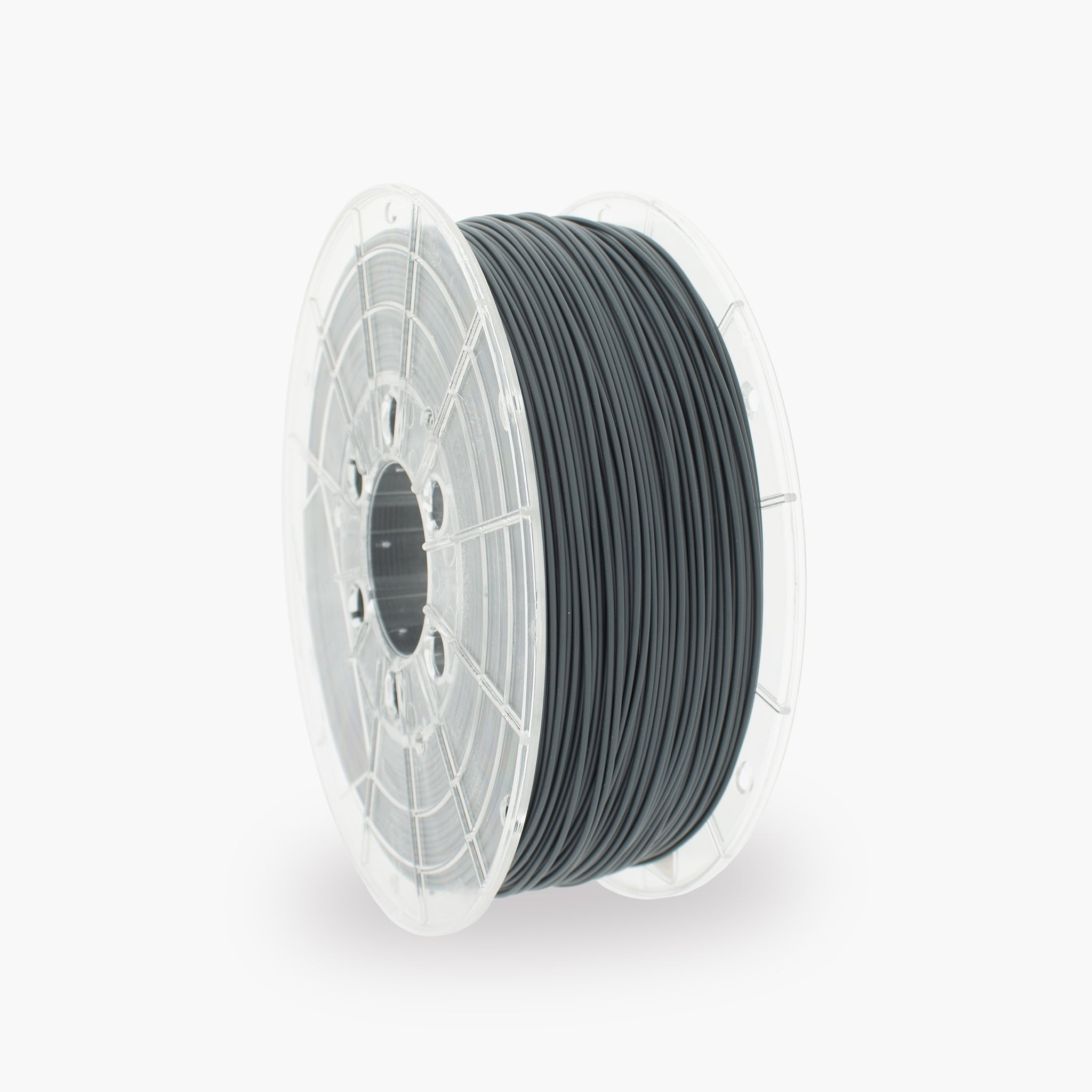
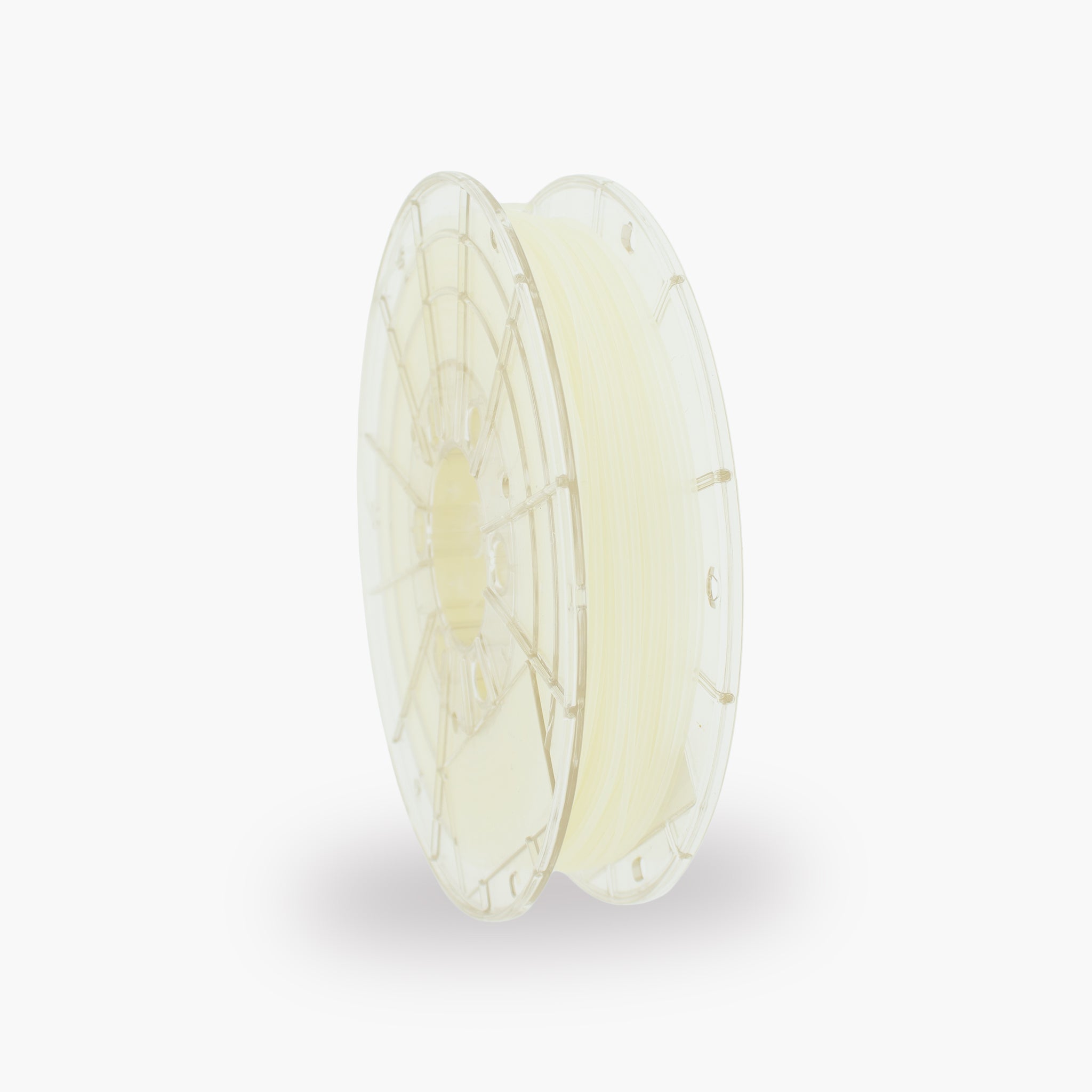

How do you print with TM3D PLA Flex?
PLA Flex combines the ease of use of PLA with extra flexibility and impact resistance. The material is suitable for parts that need to be less brittle and able to bend slightly. This guide provides recommended settings, tips for reliable material feeding, and solutions to common PLA Flex printing problems.
The most important PLA Flex settings
Use these settings as a starting point. The ideal values may vary slightly depending on the printer, extruder, nozzle, and print speed.
What is PLA Flex?
A more flexible PLA variant for strong parts that are less likely to break or crack.
PLA Flex is a modified PLA variant with greater flexibility and impact resistance than standard PLA. The material generally feels stiffer than TPU, but depending on the design and wall thickness, it can still bend and flex.
This makes PLA Flex suitable for users who want a less brittle part without immediately switching to a highly flexible material such as TPU.
Advantages of PLA Flex
- More flexible than standard PLA
- Less brittle when subjected to impacts and falls
- Good layer adhesion
- Easier to process than very soft TPU
- Suitable for slightly flexible parts
- No enclosed print chamber required
Suitable applications
- Protective covers and housings
- Flexible clips and clamps
- Hinged parts
- Impact-resistant prototypes
- Push buttons and snap-fit connections
- Parts that need to flex slightly
Recommended print settings for PLA Flex
Start with the values below, then adjust one setting at a time.
| Setting | Recommended value | Explanation |
|---|---|---|
| Nozzle temperature | 200–230 °C | Start at around 215 °C and adjust the temperature based on layer adhesion, stringing, and material flow. |
| Print bed | 50–60 °C | A heated print bed helps ensure a reliable first layer. |
| First layer | 15–25 mm/s | A slow first layer improves adhesion and reduces pressure in the extruder. |
| Other layers | 25–60 mm/s | Start slowly and increase the speed only when material feeding remains reliable. |
| First-layer fan | 0–30% | Limited cooling during the first layer supports bed adhesion. |
| Fan for other layers | 40–100% | Use sufficient cooling for sharp details and overhangs, but reduce the fan if layer adhesion is poor. |
| Retraction | Low to medium | Too much retraction can stretch, compress, or kink the filament in the extruder. |
| Nozzle | From 0.4 mm | A standard 0.4 or 0.6 mm brass nozzle is a practical starting point for normal PLA Flex. |
What is the difference between PLA Flex and TPU?
Both materials can flex, but they differ clearly in flexibility, processing, and application.
| Property | PLA Flex | TPU |
|---|---|---|
| Flexibility | Slightly to moderately flexible | Highly flexible and rubber-like |
| Stiffness | Stiffer and more shape-stable | Softer and easier to compress |
| Ease of printing | Often easier to process | Requires more control over speed and the filament path |
| Print speed | Usually possible at a slightly higher speed | Generally prints more slowly |
| Application | Clips, clamps, and impact-resistant parts | Dampers, tires, gaskets, and soft parts |
| Shape retention | Retains its shape better | Can be compressed and deformed more easily |
Which printer and extruder are suitable?
PLA Flex can be processed on many FDM and FFF printers, but a well-supported filament path makes the printing process more reliable.
Direct-drive extruder
- Short filament path
- Less risk of kinking
- Better control over extrusion
- Often allows higher print speeds
- Retraction is easier to tune
Bowden extruder
- PLA Flex can often be processed without any issues
- Use a well-fitting Bowden tube
- Avoid sharp bends in the filament path
- Use a lower print speed
- Keep retraction limited
Preparing the printer
A freely rotating spool and a clean, well-supported filament path help prevent problems during printing.
How to get a good first layer
The first layer should adhere properly, without pressing the material excessively hard against the print plate.
A good first layer is characterized by:
- The print lines connect neatly to one another
- The filament adheres across the entire surface
- The extrusion remains even
- The nozzle does not drag through the material
- No gaps form between the lines
Check the following when adhesion is poor:
- Whether the print bed is clean and free of grease
- Whether the Z offset is set correctly
- Whether the first layer is printed slowly enough
- Whether the print bed is sufficiently warm
- Whether the fan is not set too high during the first layer
Useful slicer settings
Wall thickness, infill, and shape determine how strong or flexible the printed part will be.
| Part | Starting value | Effect |
|---|---|---|
| Layer height | 0.20 mm | Good balance between print quality and reliability with a 0.4 mm nozzle. |
| Wall lines | 2–4 | More wall lines make the part stiffer and less flexible. |
| Top and bottom layers | 4–6 | Creates closed surfaces and increases strength. |
| Infill for a flexible part | 5–15% | Low infill provides more room for bending or compression. |
| Infill for a rigid part | 20–40% | More infill makes the part more dimensionally stable and less flexible. |
| Print speed | 25–60 mm/s | A moderate and consistent speed provides reliable material feed. |
| Retraction | Limited | Reduces the chance of the filament being compressed or deformed in the extruder. |
| Brim | Only if necessary | Use a brim for a small contact area or long, narrow models. |
Adjusting the nozzle temperature
The best temperature depends on the printer, nozzle, print speed, and desired layer adhesion.
Temperature may be too low
- Poor layer adhesion
- Rough or uneven extrusion
- The extruder clicks or skips steps
- The material is difficult to extrude from the nozzle
- The part cracks between the layers
Temperature may be too high
- A lot of stringing or thin strands
- Soft details and overhangs
- Material remains stuck to the nozzle
- Excessive oozing during travel moves
- Details blend together
Solving common PLA Flex problems
Click on a problem to view the possible causes and solutions.
The filament kinks or gets stuck in the extruder
- Reduce the print speed.
- Reduce the retraction distance and retraction speed.
- Check that the filament path is properly supported.
- Reduce the extruder tension if the filament is being crushed.
- Check the nozzle for a partial blockage.
- Slightly increase the nozzle temperature.
The extruder clicks or skips steps
- Reduce the print speed and material flow.
- Increase the nozzle temperature by approximately 5 °C.
- Check the nozzle for a blockage.
- Check that the spool can unwind freely.
- Check the tension of the extruder gear.
Many strings form between parts
- First check whether the filament is dry.
- Reduce the nozzle temperature in 5 °C increments.
- Carefully calibrate the retraction.
- If necessary, increase the travel speed.
- Limit unnecessary movements across open spaces.
The material exits the nozzle irregularly
- Check whether the filament has absorbed moisture.
- Reduce the print speed.
- Check the extruder tension.
- Check that the spool unwinds smoothly.
- Check the nozzle for contamination or blockage.
The print does not adhere to the print bed
- Clean the print bed thoroughly and remove all grease.
- Check the bed leveling and Z-offset.
- Reduce the first-layer speed.
- Use a print bed temperature of approximately 50–60 °C.
- Reduce the fan speed during the first layer.
- Use a brim for a small contact area.
The print adheres too strongly to the print bed
- Allow the print plate to cool completely.
- Use a suitable adhesive as a release layer.
- Increase the Z-offset slightly.
- Carefully remove a flexible print plate by bending it.
- Do not use excessive force on glass or a coating.
The layers do not adhere well to each other
- Increase the nozzle temperature by 5–10 °C.
- Reduce the print speed.
- Reduce the fan speed.
- Check whether the filament is dry.
- Check the flow and material feed.
The surface is rough or contains small holes
- Dry the filament before continuing to print.
- Check whether the material crackles during printing.
- Reduce the print speed.
- Calibrate the flow or extrusion multiplier.
- Check the nozzle for contamination.
Overhangs and bridges sag
- Increase the fan speed.
- Slightly reduce the nozzle temperature.
- Reduce the speed of bridges and overhangs.
- Use support for heavy overhangs.
- If necessary, reduce the layer height.
The part is stiffer than expected
- Reduce the number of wall lines.
- Reduce the infill percentage.
- Use a more flexible infill pattern.
- Make the part thinner.
- Check whether TPU is better suited to the application.
The part remains deformed after bending
- Check that the part is not bent too far.
- Adjust the wall thickness and geometry.
- Use rounded transitions instead of sharp corners.
- Reduce localized stress concentrations in the design.
- Choose TPU when greater elasticity is needed.
Designing parts with PLA Flex
The shape, wall thickness, and print orientation largely determine how flexible and durable the part will be.
For greater flexibility
- Use fewer wall lines
- Use a lower infill percentage
- Make bending zones thinner
- Use rounded transitions
- Use a flexible infill pattern
- Avoid unnecessarily thick solid sections
For greater strength
- Use more wall lines
- Increase the infill percentage
- Add ribs or reinforcements
- Use sufficient material around mounting points
- Align the print orientation with the load
- Avoid sharp inside corners
Storing and drying PLA Flex
PLA Flex can also absorb moisture from the air. Moist filament can cause stringing, small holes, and inconsistent extrusion.
Properly storing PLA Flex
- Store the spool in a sealed bag or dry box
- Use sufficient desiccant
- Store the filament in a dry place
- Do not leave the spool open unnecessarily for long periods
- Reseal the packaging immediately after use
Signs of moist PLA Flex
- Crackling or popping sounds
- A lot of stringing between parts
- Small holes in the print surface
- Rough or inconsistent extrusion
- An irregular material flow
Material properties of TM3D PLA Flex
The data below provide a general overview of the material.
| Material | Flexible PLA variant |
|---|---|
| Filament diameter | Depending on the selected TM3D version |
| Key properties | More flexible and impact-resistant than standard PLA, but stiffer than TPU |
| Recommended nozzle temperature | Approximately 200–230 °C |
| Recommended print bed temperature | Approximately 50–60 °C |
| Recommended print speed | Approximately 25–60 mm/s |
| Recommended fan | 40–100% after the first layers, depending on the model |
| Enclosed print chamber | Not necessary |
| Suitable nozzle | Standard brass nozzle for normal, unfilled PLA Flex |
| Use | Clips, clamps, protective covers, impact-resistant parts, snap-fit connections, and slightly flexible prototypes |
The exact properties and recommended settings may vary by color, product variant, printer, and testing method. For technical applications, always consult the current technical data sheet.
Safe printing with PLA Flex
Always ensure a safe and well-equipped workspace during 3D printing.
- Ensure adequate ventilation in the printing area.
- Do not touch the hot nozzle or heated print bed.
- Do not leave a printer running unattended unnecessarily.
- Keep the printer away from flammable materials.
- Do not automatically use printed parts for food contact, medical applications, or safety-critical applications.
- Test parts that will be repeatedly bent before actual use.
- Refer to the safety data sheet for additional product information.
Frequently asked questions about PLA Flex
Can I print PLA Flex with a standard PLA profile?
Yes. A Generic PLA or PLA Tough profile is a useful starting point. Reduce the printing speed and retraction, and use a nozzle temperature within the recommended range for PLA Flex.
Is PLA Flex the same as TPU?
No. PLA Flex is more flexible and less brittle than standard PLA, but generally stiffer and less elastic than TPU. TPU is more suitable for soft, rubber-like, and highly deformable parts.
Do I need a direct-drive extruder?
Not always. A direct-drive extruder provides more control, but PLA Flex can often also be processed with a properly tuned Bowden printer. In that case, use a lower speed and limited retraction.
Can PLA Flex pass through an automatic material system?
That depends on the system and the flexibility of the specific variant. Long filament paths and multiple drive gears can make material feeding more difficult. If problems occur, feed the material directly into the extruder.
Why does PLA Flex need to be printed more slowly?
PLA Flex can compress or bend slightly under pressure. As a result, printing at too high a speed can cause irregular material flow or an extruder jam.
How can I make a PLA Flex part more flexible?
Use fewer wall lines, a lower infill percentage, a flexible infill pattern, and a thinner design. The geometry has a major influence on the final flexibility.
How can I make a PLA Flex part stronger?
Use more wall lines, a higher infill percentage, and additional reinforcing ribs. Also consider the direction in which the part will be subjected to loads.
Why does PLA Flex cause stringing?
Stringing can be caused by moisture, an excessively high nozzle temperature, or incorrect retraction. Dry the filament first, then carefully adjust the temperature and retraction.
Which nozzle can I use?
For standard, unfilled PLA Flex, a 0.4 mm brass nozzle is suitable. A 0.6 mm nozzle can make material flow even more reliable.
Do I need an enclosed printer?
No. PLA Flex can generally be processed well with an open-frame printer. However, avoid strong cold drafts blowing directly over the print bed and the part.
Can PLA Flex be used outdoors?
PLA Flex is not the best choice for long-term outdoor use involving heat, sunlight, and changing weather conditions. For permanent outdoor applications, a material such as ASA is often more suitable.
Ready to print with PLA Flex?
Discover TM3D PLA Flex filament for flexible, impact-resistant, and less brittle 3D prints, flexible clips, and strong functional parts.
View the PLA Flex filament