

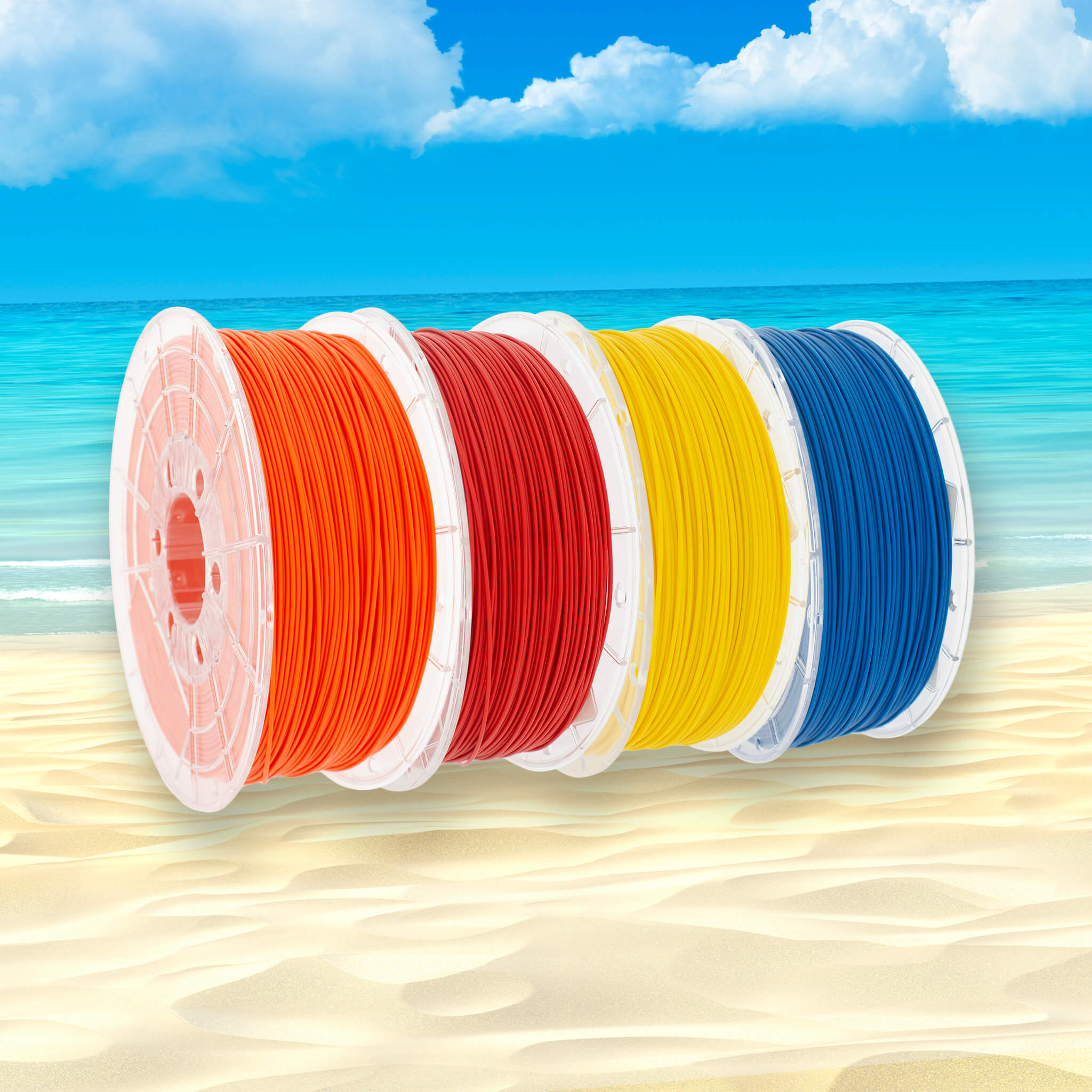

How do you print with TM3D PLA?
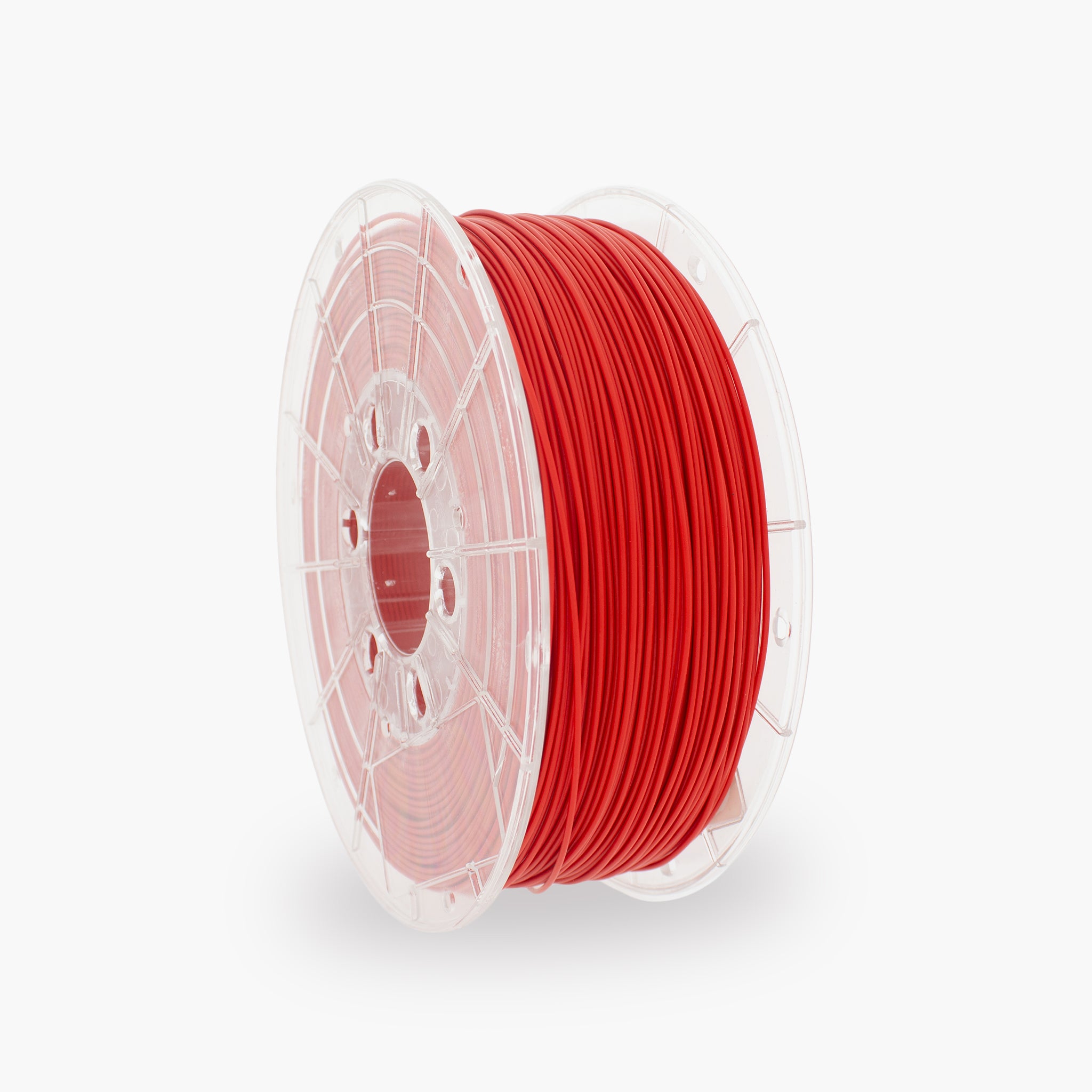
PLA is one of the easiest and most widely used materials for 3D printing. In this guide, you will find our recommended settings, tips for a good first layer, and solutions to common printing problems.
The key settings
Use these settings as a starting point. The ideal values may vary slightly depending on the printer, nozzle, and print speed.
What is PLA?
An easy-to-use filament for precise, visually clean 3D prints.
PLA stands for polylactic acid and is a widely used material for FDM and FFF 3D printers. The material is easy to print, warps very little, and is suitable for both beginners and experienced users.
Advantages of PLA
- Easy to print
- Low risk of warping
- Sharp details and a neat surface
- Suitable for high print speeds
- Available in many colors and finishes
- No enclosed print chamber required
Suitable applications
- Prototypes and concept models
- Decorative parts
- Miniatures and models
- Holders and organizers
- Educational projects
- Parts for indoor use
Recommended print settings for PLA
Start with the values below, then make small adjustments when necessary.
| Setting | Recommended value | Explanation |
|---|---|---|
| Nozzle temperature | 190–220 °C | Start at around 205 °C and adjust the temperature based on print speed and results. |
| Print bed | 50–60 °C | On some print surfaces, PLA can also be printed without a heated bed. |
| First layer | 15–30 mm/s | A lower speed generally improves adhesion. |
| Other layers | 40–200 mm/s | Depending on the printer, hotend, layer height, and desired quality. |
| First-layer fan | 0–30% | Less cooling during the first layer helps with adhesion. |
| Fan for other layers | 50–100% | Additional cooling produces sharp details and better overhangs. |
| Retraction | Printer-dependent | First, use the printer manufacturer's standard PLA profile. |
| Nozzle | From 0.4 mm | A standard brass nozzle is suitable for standard PLA. |
Prepare the printer
Good preparation prevents most printing problems.
How to get a good first layer
The first layer forms the foundation of the entire print.
You can recognize a good first layer by:
- The print lines meet each other neatly
- The filament adheres across the entire surface
- The lines are slightly flattened
- No gaps form between the lines
- The nozzle does not scrape through the material
Check the following in case of poor adhesion:
- Whether the print bed is clean and free of grease
- Whether the Z-offset is not set too high
- Whether the first layer is printed slowly enough
- Whether the print bed is warm enough
- Whether the fan speed is low during the first layer
Useful slicer settings
These settings have a major influence on the strength, quality, and print duration of the part.
| Part | Starting value | Effect |
|---|---|---|
| Layer height | 0.20 mm | Good balance between quality and print speed with a 0.4 mm nozzle. |
| Wall lines | 2–4 | More wall lines generally result in a stronger part. |
| Top and bottom layers | 4–6 | Prevents visible infill and creates closed surfaces. |
| Infill | 10–25% | Sufficient for most visual and lightly loaded parts. |
| Infill functional print | 25–50% | Use more infill when the part is subjected to greater loads. |
| Support angle | 45–55° | Depends on the geometry, layer height, and cooling. |
| Brim | 5–10 mm | Only needed for small contact areas or long, narrow models. |
Adjusting the nozzle temperature
The correct temperature depends, among other things, on the print speed and the hotend used.
Temperature may be too low
- Poor layer adhesion
- A rough or matte extrusion
- Clicking extruder
- Filament comes out of the nozzle irregularly
- The part breaks easily between the layers
Temperature may be too high
- A lot of stringing or strands
- Sagging overhangs
- Details blend together
- Excessive gloss
- Filament leaks from the nozzle during travel moves
Solving common PLA problems
Click on a problem to view the possible causes and solutions.
The print does not adhere to the print bed
- Thoroughly clean the print bed and remove grease.
- Check the bed leveling and Z-offset.
- Reduce the first-layer speed.
- If necessary, increase the print bed temperature to 55–60 °C.
- Lower the fan speed during the first layer.
- Use a brim for a small contact area.
Strings form between the parts
- Lower the nozzle temperature in increments of 5 °C.
- Calibrate the retraction settings.
- Check whether the filament has absorbed moisture.
- If necessary, increase the travel speed.
- Limit unnecessary travel moves over open spaces.
The extruder clicks or skips steps
- Check whether the nozzle is partially clogged.
- Slightly increase the nozzle temperature.
- Reduce the print speed or volumetric speed.
- Check the tension of the extruder gear.
- Check that the filament unwinds freely from the spool.
The layers do not adhere well to each other
- Increase the nozzle temperature by 5–10 °C.
- Reduce the print speed.
- Reduce the fan speed.
- Use more wall lines.
- Check that the filament is dry.
Corners or edges lift
- Clean the print bed again.
- Use a brim around the model.
- Avoid cold drafts around the printer.
- Slightly increase the bed temperature.
- Reduce the fan speed during the first layers.
Overhangs and bridges sag
- Increase the fan speed.
- Slightly lower the nozzle temperature.
- Reduce the speed of bridges and overhangs.
- Use support for steep overhangs.
- Check that the layer height is not too large.
The surface is rough or uneven
- Check whether the filament has absorbed moisture.
- Calibrate the flow or extrusion multiplier.
- Check the belt tension and mechanical play.
- Reduce the print speed.
- Check the nozzle for wear or contamination.
The part dimensions are incorrect
- Calibrate the flow and check for over-extrusion.
- Check the dimensions of the 3D model.
- Use the slicer's compensation settings.
- Check the belt tension and motion axes.
- First, print a dimensionally accurate calibration model.
Storing and drying PLA
PLA can also absorb moisture from the environment. This can reduce print quality.
Storing PLA properly
- Store the spool in a sealed bag or dry box
- Add a desiccant packet
- Store the filament in a dry place
- Avoid prolonged exposure to humid air
- Keep the spool out of direct sunlight
Signs of damp filament
- Crackling or popping sounds
- Small holes in the print surface
- Rough or inconsistent extrusion
- More stringing than usual
- Reduced adhesion between layers
Material properties of TM3D PLA
The data below provides a general overview of the material.
| Material | PLA |
|---|---|
| Filament diameter | 1.75 mm or 2.85 mm, depending on the selected version |
| Density | Approximately 1.24 g/cm³ |
| Recommended nozzle temperature | 190–220 °C |
| Recommended print bed temperature | 50–60 °C |
| Heated print chamber | Not necessary |
| Suitable nozzle | Standard brass nozzle for standard PLA |
| Use | Prototypes, models, decorations, and lightly loaded functional parts |
The exact properties may vary slightly by color, variant, and test method. For technical applications, always consult the current technical data sheet.
Safe printing with PLA
Always ensure a safe and properly set up workspace during 3D printing.
- Ensure sufficient ventilation in the printing area.
- Do not touch the hot nozzle or heated print bed.
- Do not leave a printer unattended unnecessarily.
- Keep the printer away from flammable materials.
- Do not automatically use printed parts for food contact, medical applications, or safety-critical components.
- Refer to the safety data sheet for additional product information.
Frequently asked questions about PLA
Can I print TM3D PLA with a standard PLA profile?
Yes. Initially, choose your printer’s standard or Generic PLA profile. Use a nozzle temperature within the recommended range of 190–220 °C.
Do I need a heated print bed?
Not always, but a print bed temperature of approximately 50–60 °C improves adhesion and reliability on most printers.
Do I need an enclosed printer?
No. PLA can be printed excellently with an open printer. However, make sure no strong cold airflow is directed at the print.
Which nozzle can I use?
For standard PLA, a standard 0.4 mm brass nozzle is a good choice. Special filled PLA variants may require a wear-resistant nozzle.
Why does the ideal temperature vary by printer?
Hotends, temperature sensors, print speeds, and cooling vary by printer. Therefore, the recommended temperature range is a starting point, and a small amount of personal adjustment may be needed.
Ready to print with PLA?
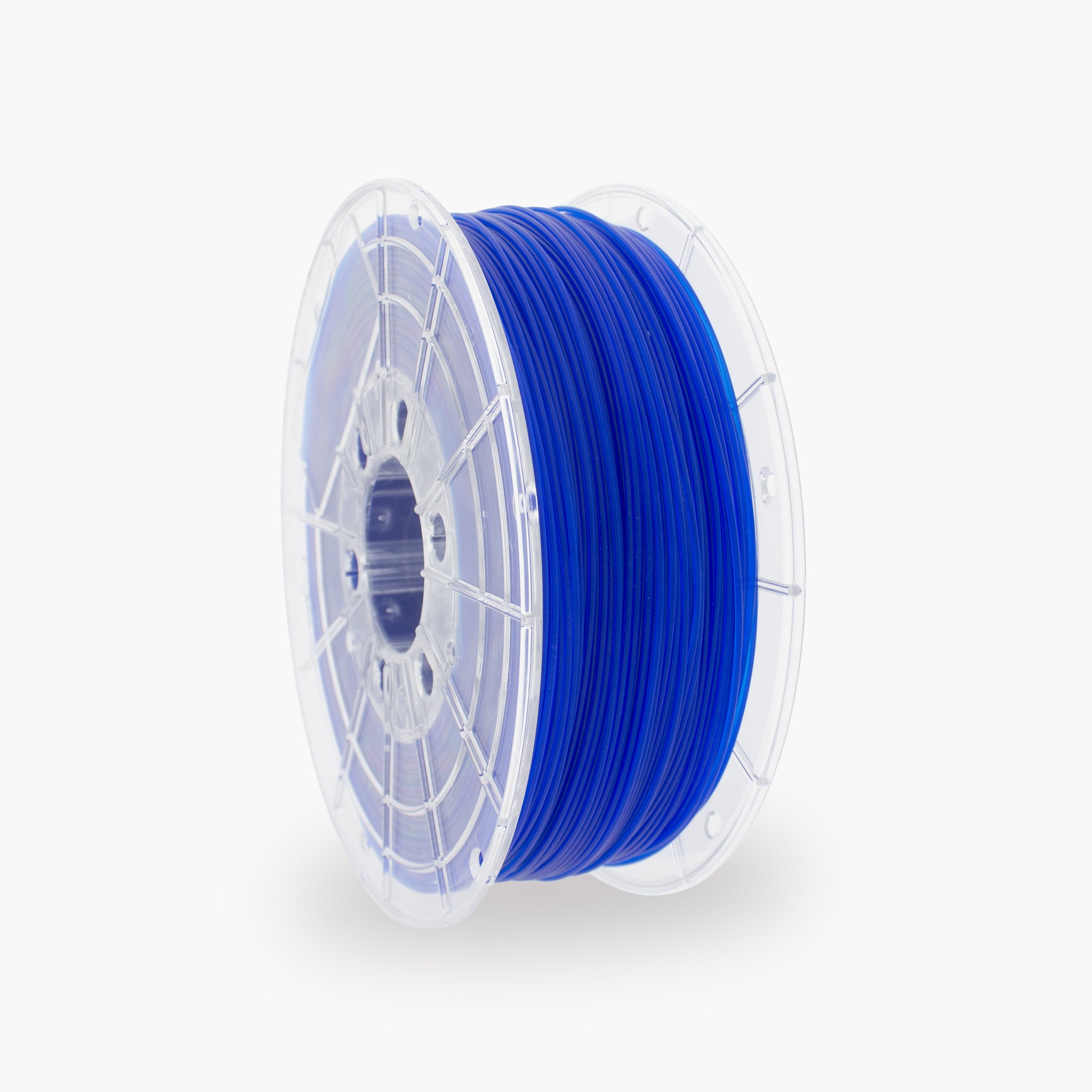
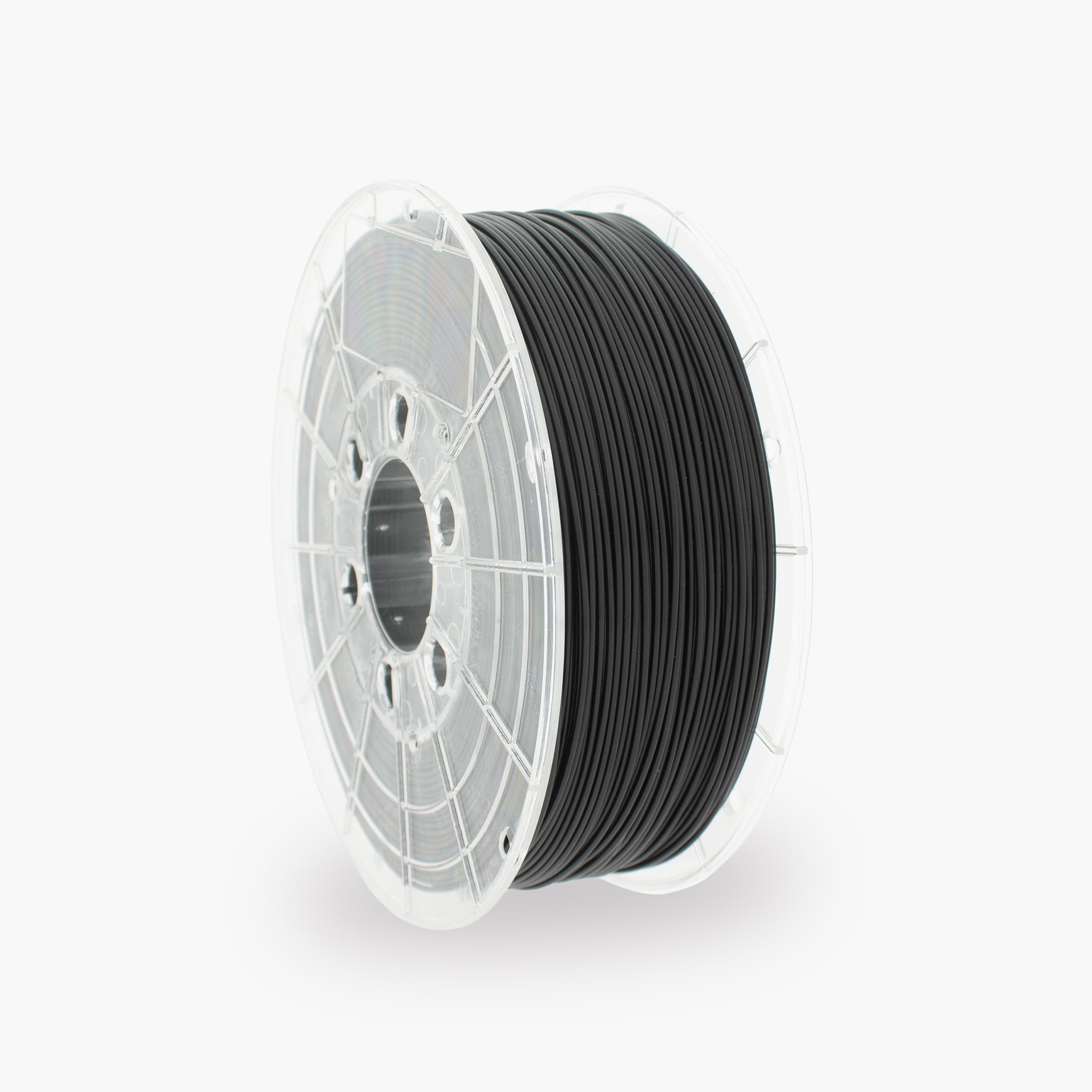
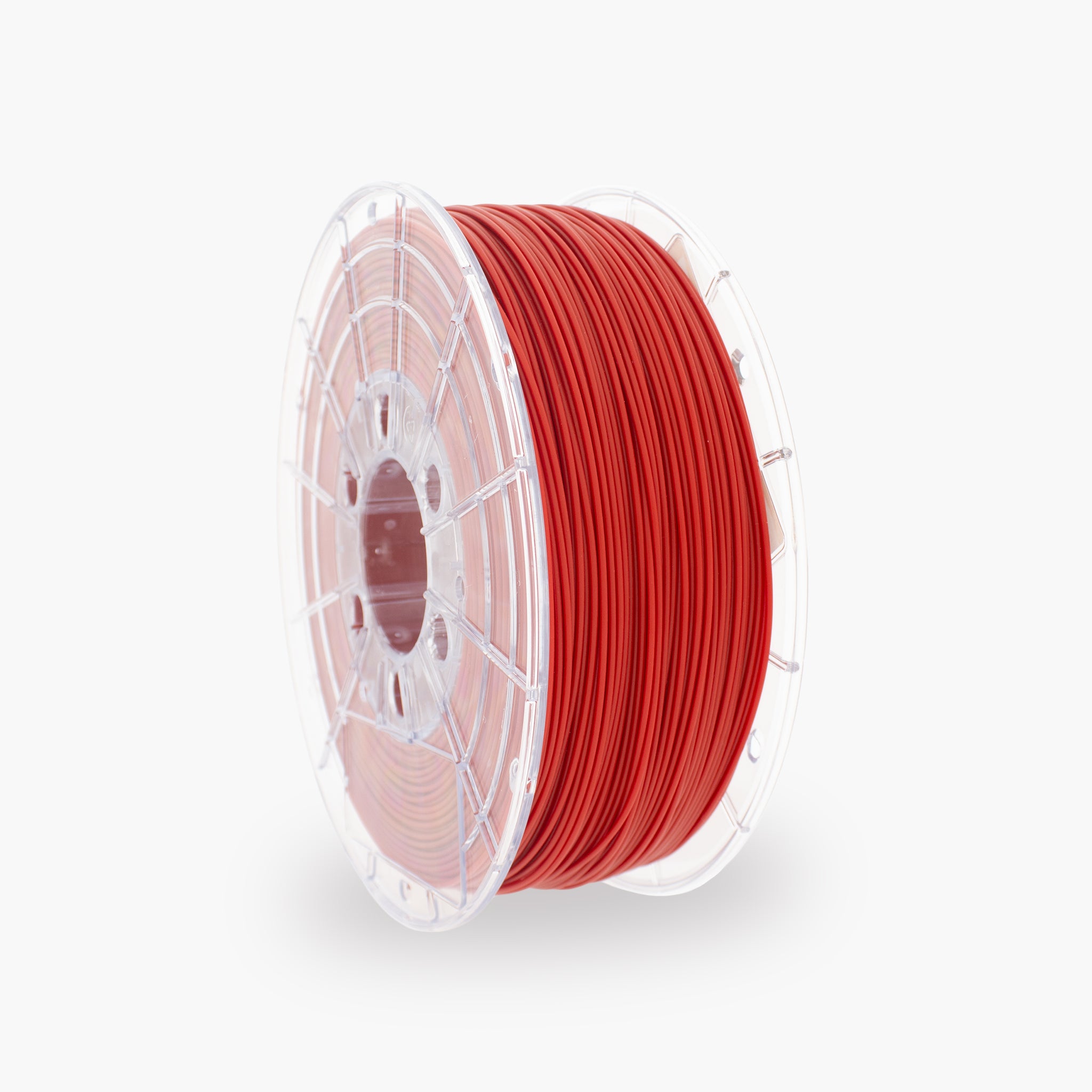
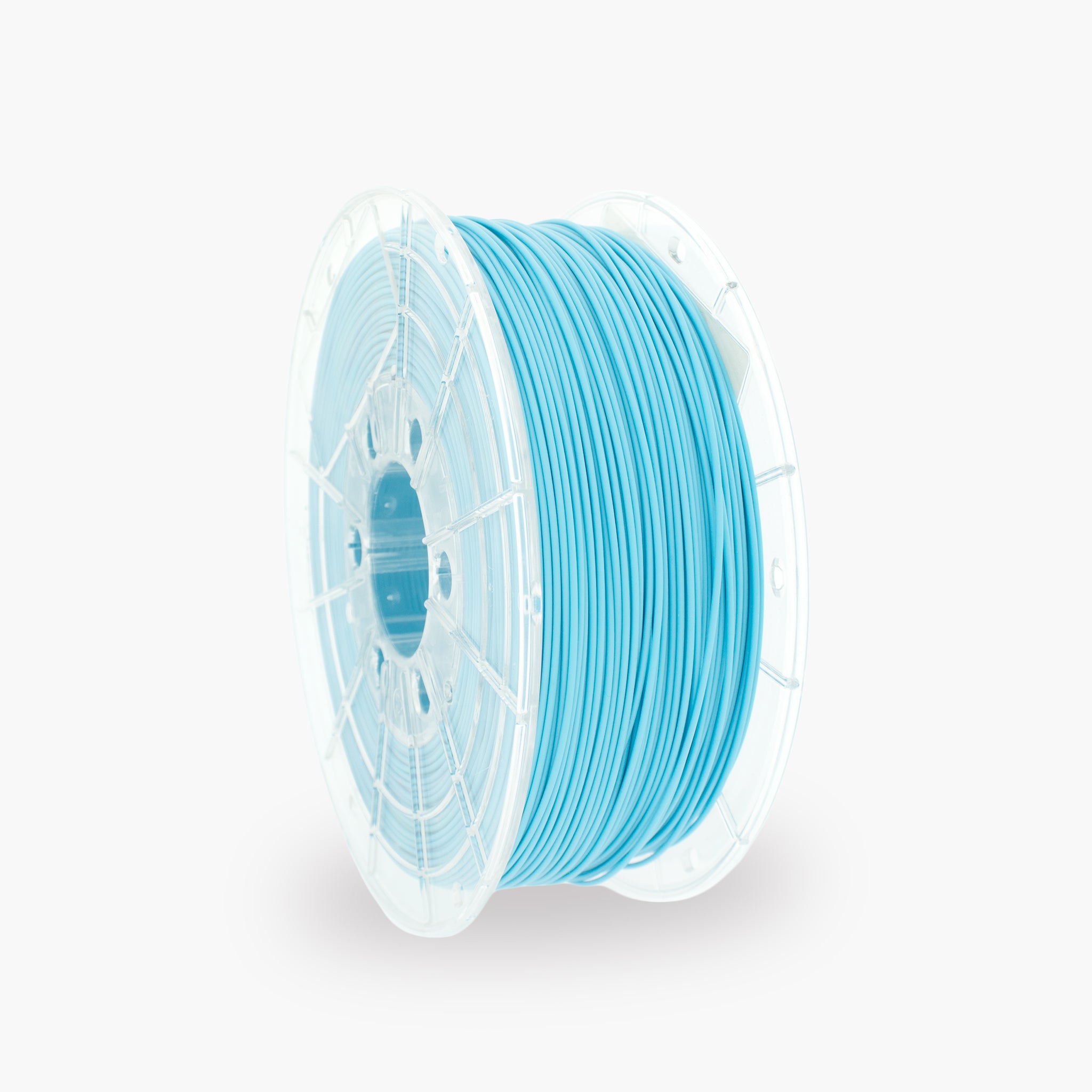
Discover the TM3D PLA filament range, produced in the Netherlands and available in various colors and versions.
View all PLA filaments